How to Automate WhatsApp Messages for Business in 2025: Tools, Strategies & Benefits
Learn how to automate WhatsApp messages for your business: auto replies, chatbots, AI agents, campaigns and order updates. The tools you need, strategies that work and the benefits to expect.

Your customers are already on WhatsApp. They ask about prices, check order status, book appointments and send "Is this available?" at 11 pm. Answering every message by hand works when you get ten chats a day. At a hundred, replies get slow, chats get missed, and sales go to whoever answered first.
Automation fixes that. It doesn't replace your team; it handles the repetitive messages so your team can focus on the conversations that need a person. This guide covers what you can automate, the tools you need, strategies that work and the benefits to expect.
What does "automating WhatsApp" actually mean?
It means WhatsApp sends the right message at the right moment without someone typing it. That can be:
- An instant reply when a customer messages you for the first time
- An answer to a common question, like timings, prices or delivery areas
- A message triggered by an event, like an order being placed or a cart being left behind
- A campaign sent to customers who opted in, at a time you schedule
Step 1: Choose the right WhatsApp setup
There are two ways to run WhatsApp for business, and they allow very different levels of automation.
WhatsApp Business App. Free and built for one phone. It offers a greeting message, an away message and quick replies. That's useful, but it's the limit: no chatbots, no integrations and broadcast lists that only reach people who saved your number.
WhatsApp Business Platform (API). Built for teams and automation. It supports chatbots, AI agents, a shared team inbox, campaigns to opted-in customers and integrations with tools like Shopify and your CRM. You use it through a platform such as Waptoz, which connects to Meta's official WhatsApp Cloud API.
If you want real automation, you need the API. The good news is that with coexistence you can keep using the WhatsApp Business App on the same number. Read our full comparison: WhatsApp Business App vs API: 6 real differences.
Step 2: Know what you can automate
Welcome and away messages
Reply instantly to every new chat, and let customers know when you're closed and when you'll be back. It's the simplest automation and it stops customers feeling ignored.
FAQ answers with chatbots
Most businesses get the same ten questions every day. A no-code flow can show buttons like "Prices", "Timings" and "Talk to us", and answer each one instantly. Flows can also collect details, such as a name, address or preferred date, before a person takes over.
AI agents
An AI agent goes further than buttons. It reads the customer's question in their own words and answers from your knowledge base: your menu, price list, policies or course details. When it can't help, it hands the chat to a person.
Order and payment updates
Connect your store, and WhatsApp can send order confirmations, cash-on-delivery confirmations, shipping updates and payment links automatically. These are the messages customers actually want to receive.
Abandoned cart reminders
When a shopper leaves without paying, a short, well-timed sequence brings many of them back. See our guide: Shopify abandoned cart on WhatsApp: what to send at 1 hour, 1 day and 3 days.
Campaigns and broadcasts
Send offers, launches and reminders to customers who opted in, then see who received and read them. Schedule them in advance, so they go out at the right time even when you're busy.
Lead follow-up
Leads from Meta lead ads, Google lead forms, IndiaMART or your website can get an instant WhatsApp message, while they're still interested, instead of a call two days later.
Reminders
Appointment reminders, renewal reminders, class schedules, reorder reminders and even birthday wishes can all go out on their own.
Step 3: Pick a tool with the right features
When you compare WhatsApp automation platforms, look for:
- Official Meta Cloud API access, so your number is safe and compliant
- A shared team inbox with chat assignment, so automation and people work together
- A no-code flow builder, so you can change flows without a developer
- AI replies trained on your own information
- Campaigns with reports, including delivered and read counts
- Integrations with the tools you already use: Shopify, WooCommerce, Razorpay, Zoho CRM, Google Sheets and lead ad forms
- Transparent message pricing, so you know exactly what Meta charges and what the platform charges
Strategies that work
- Start with your most-asked questions. List the ten questions your team answers most, and automate those first. That alone saves hours every week.
- Always give a way to reach a person. A "Talk to us" button keeps customers from feeling stuck in a bot loop.
- Keep messages short. One clear message beats five small ones, and since Meta now bills replies beyond a monthly allowance, it also costs less. More on that in The WhatsApp 24-hour window, explained simply.
- Only message people who opted in. Collect consent at checkout, on forms or in chat. It keeps your number's quality rating healthy and avoids blocks.
- Use the right template category. Order updates are Utility; offers are Marketing. Mixing them is one of the top reasons templates get rejected. See Your WhatsApp template got rejected? Here's why, and how to fix it.
- Use Click-to-WhatsApp ads for new leads. Chats that start from these ads open a free 72-hour messaging window.
- Measure and improve. Check which flows resolve chats, which campaigns get read and where customers drop off, then fix the weakest step first.
Benefits you can expect
- Faster replies, day and night. Customers get an answer in seconds, even outside working hours.
- Fewer missed chats. Every conversation lands in one inbox with a clear owner.
- More sales recovered. Cart reminders, follow-ups and payment links bring back customers who would have drifted away.
- Less repetitive work. Your team stops typing the same answers and focuses on the chats that need them.
- A better customer experience. Customers get updates on the app they already use, without calling or checking email.
- Clear numbers. Reports show what's working, so decisions aren't guesswork.
Common mistakes to avoid
- Messaging customers who never opted in
- Bots with no way to reach a person
- Too many messages, too often
- Promotional lines inside utility templates
- Setting up automation once and never checking the results
Automate WhatsApp with Waptoz
Waptoz runs on Meta's official WhatsApp Cloud API and brings everything in this guide into one place: a shared team inbox, a no-code flow builder, AI agents trained on your knowledge base, campaigns with insights, Shopify and WooCommerce automations, Click-to-WhatsApp ads and integrations with Razorpay, Zoho CRM, Google Sheets and lead forms. Meta's message charges are passed on at 0% markup from a prepaid wallet, so you always see what each message costs.
Want to see what you could automate first? Book a 15-minute demo and we'll map it out with you.
Ready to Automate WhatsApp for Your Business?
Shared inbox, official Meta Cloud API campaigns, and AI workflows — with 0% markup on Meta rates.
Book a Free DemoMore from the World of Waptoz
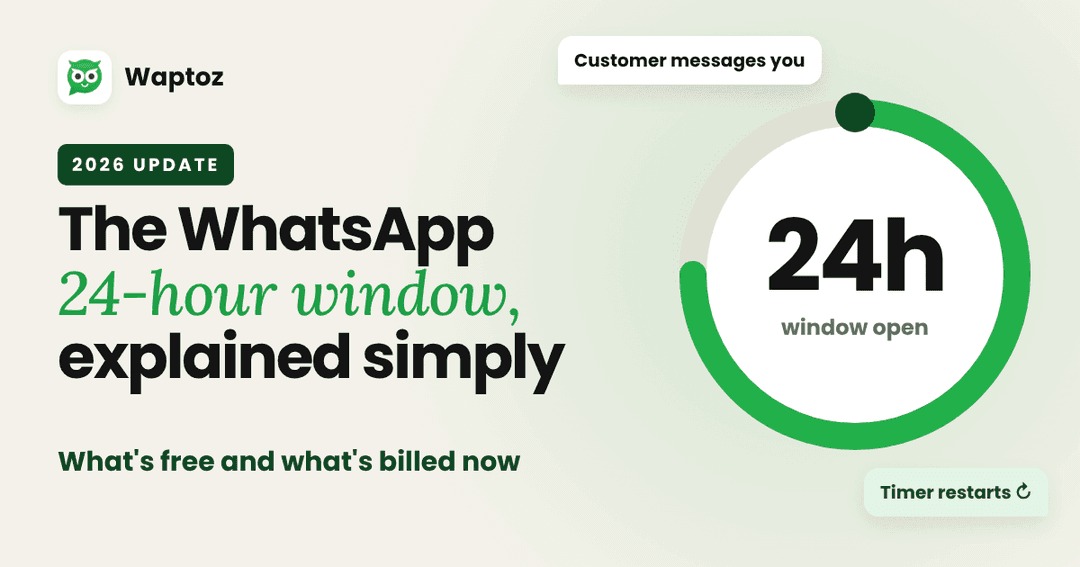
The WhatsApp 24-hour window, explained simply (2026 update)
How the WhatsApp 24-hour customer service window works, what is free and what is billed after Meta's 1 October 2026 pricing change, and how to keep costs predictable.
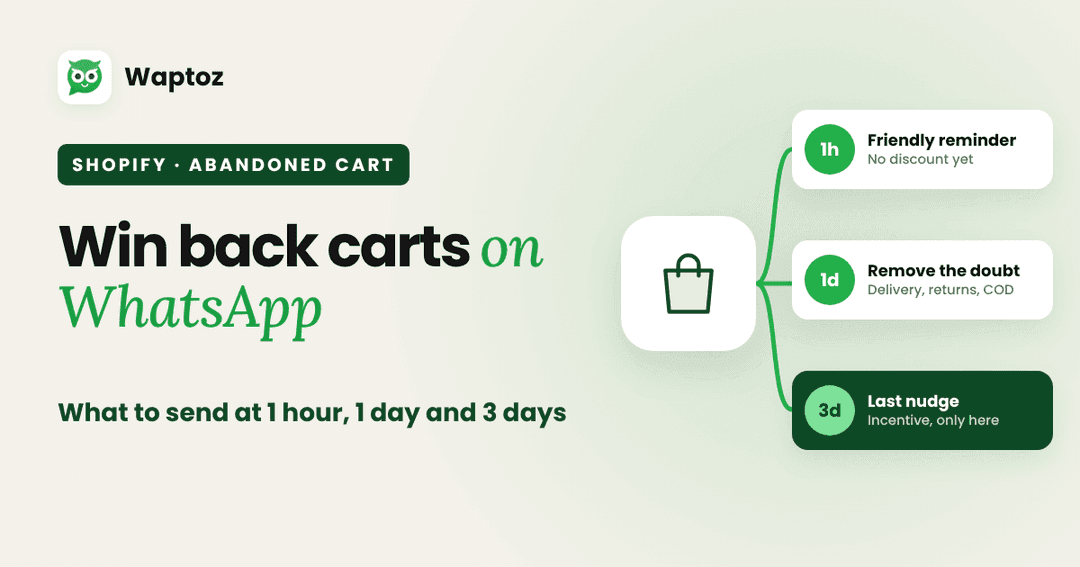
Shopify abandoned cart on WhatsApp: what to send at 1 hour, 1 day and 3 days
A 3-message WhatsApp abandoned cart sequence for Shopify stores: what to send at 1 hour, 1 day and 3 days, with example copy and the rules to follow.
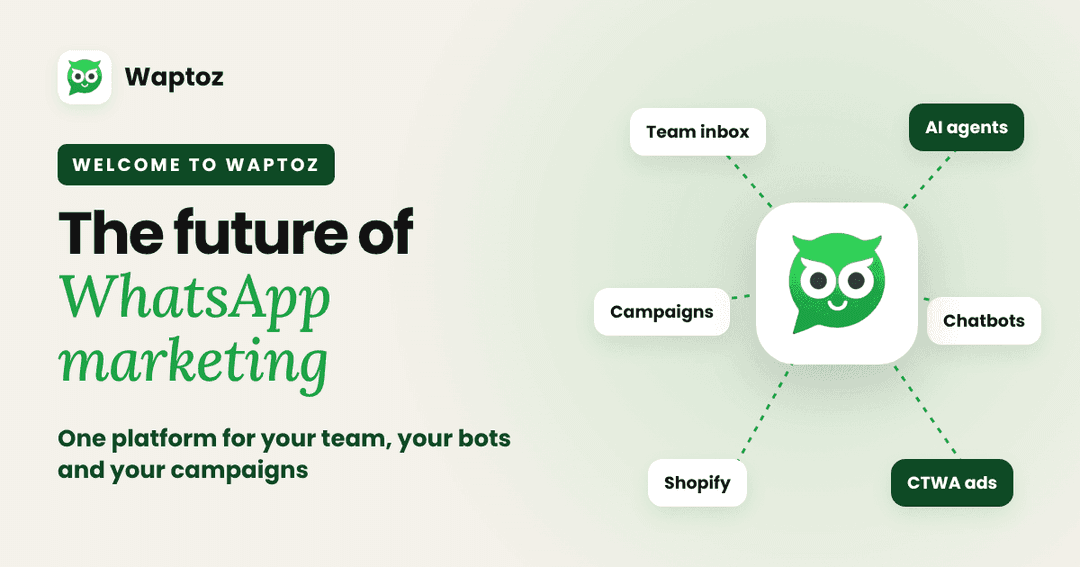
Welcome to the Future of WhatsApp Marketing with Waptoz
Meet Waptoz: a WhatsApp Business CRM on Meta's official Cloud API. Shared team inbox, AI replies, campaigns, no-code chatbots and Shopify automations, with Meta's message charges a