Your WhatsApp template got rejected? Here's why, and how to fix it
WhatsApp template rejected by Meta? The most common reasons, from badly placed variables to the wrong category, and how to fix each one before you resubmit.
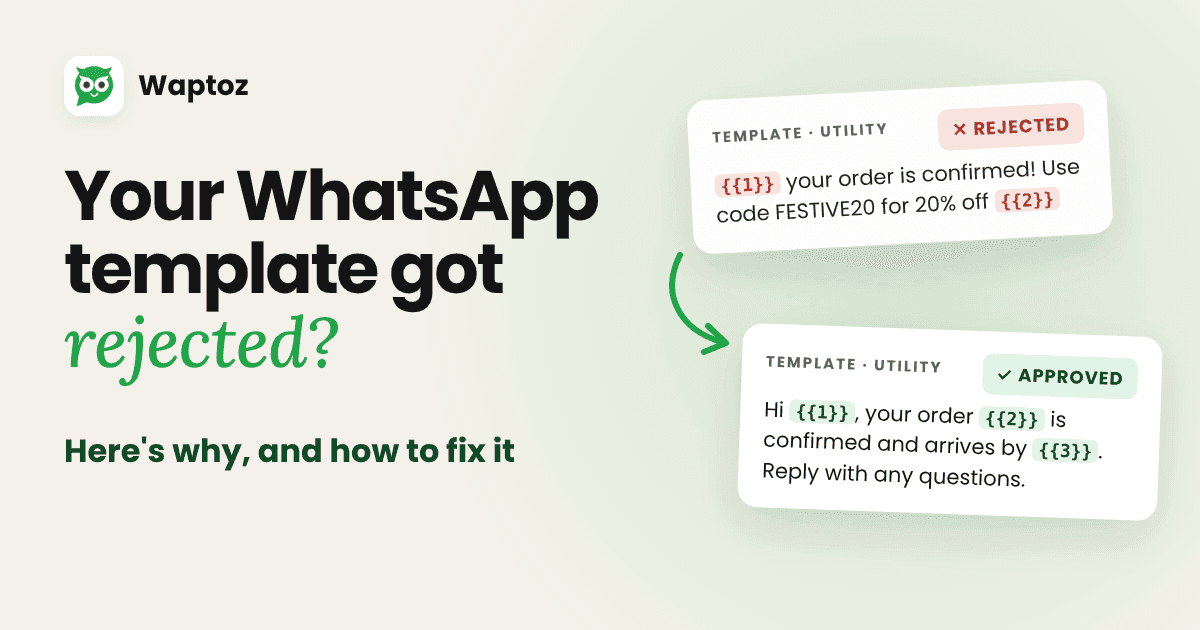
On the WhatsApp Business API, any message you start (an order update, a reminder, an offer) has to use a template that Meta has reviewed and approved. Most templates pass in minutes. When one is rejected, the reason is usually small and fixable.
Here are the reasons we see most often, what Meta looks for, and how to fix each one.
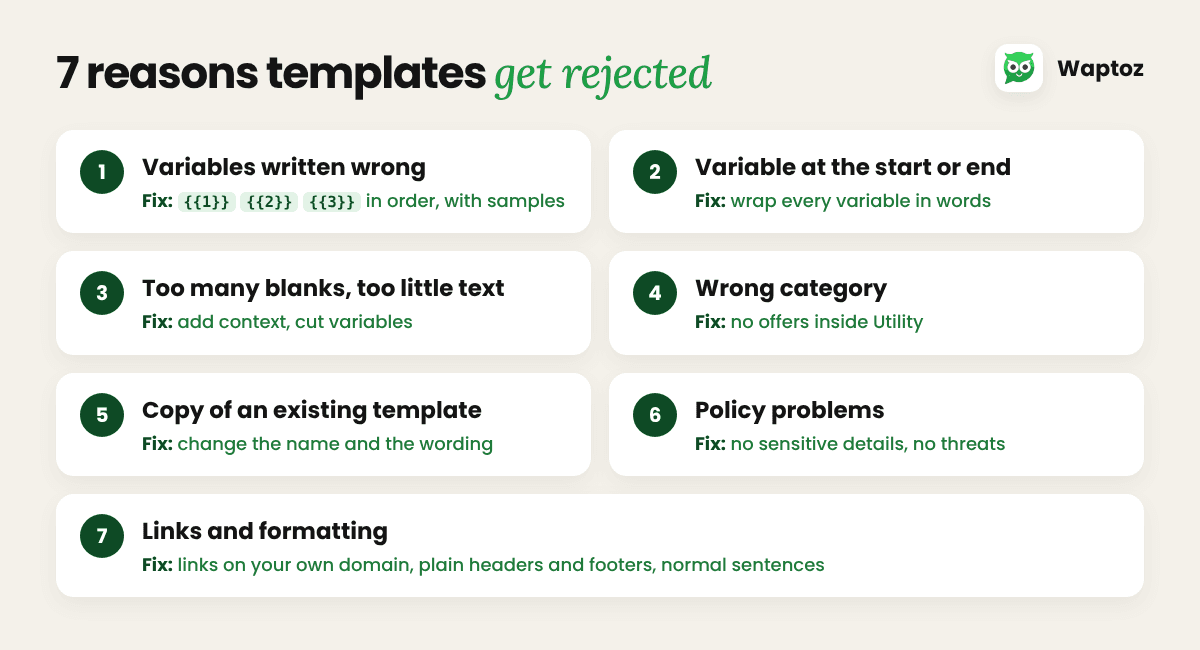
The common reasons, and how to fix them
1. Variables written the wrong way
Variables are the blanks you fill in for each customer, such as a name or an order number. Meta expects them as {{1}}, {{2}}, {{3}}, numbered in order, with double curly braces. Templates are rejected when the numbers skip or jump ({{1}}, {{2}}, {{5}}), when braces are missing, or when a variable contains characters like #, $ or %.
Fix: number variables in order with no gaps, and add a sample value for each one when you submit.
2. A variable at the start or end
A template can't begin or end with a variable, and two variables shouldn't sit side by side. "{{1}}, your order is ready" and "Your code is {{1}}" both risk rejection.
Fix: wrap every variable in words: "Hi {{1}}, your order {{2}} is ready for pickup."
3. Too many variables, too little text
If a template is mostly blanks, Meta can't tell what it will say, so it gets rejected. "Reminder: {{1}}" is a classic example.
Fix: add context so the purpose is clear even with the blanks empty, or cut the number of variables.
4. The wrong category
Every template is Marketing, Utility or Authentication. Utility is for updates the customer asked for, such as order or appointment updates. Anything promotional is Marketing. A utility template with a discount line is rejected or moved to Marketing, which changes what it costs to send.
Fix: keep utility templates strictly transactional, and send offers as a separate marketing template.
5. Copying an existing template
If the body and footer match a template you already have, the new one is rejected as a duplicate.
Fix: change both the name and the wording when you need a variant.
6. Policy problems
Templates must follow WhatsApp's Business and Commerce policies. They're rejected for asking for sensitive details such as full card or ID numbers, threatening legal action or public shaming, or promoting restricted products.
Fix: ask only for partial details (such as the last 4 digits), keep the tone neutral, and check your product category against the Commerce Policy.
7. Links and formatting
Shortened or unknown links look suspicious, and messy formatting such as extra line breaks, long runs of spaces or emojis in headers can trigger a rejection.
Fix: use links on your own domain, write in normal sentences, and keep headers and footers plain.
Before and after
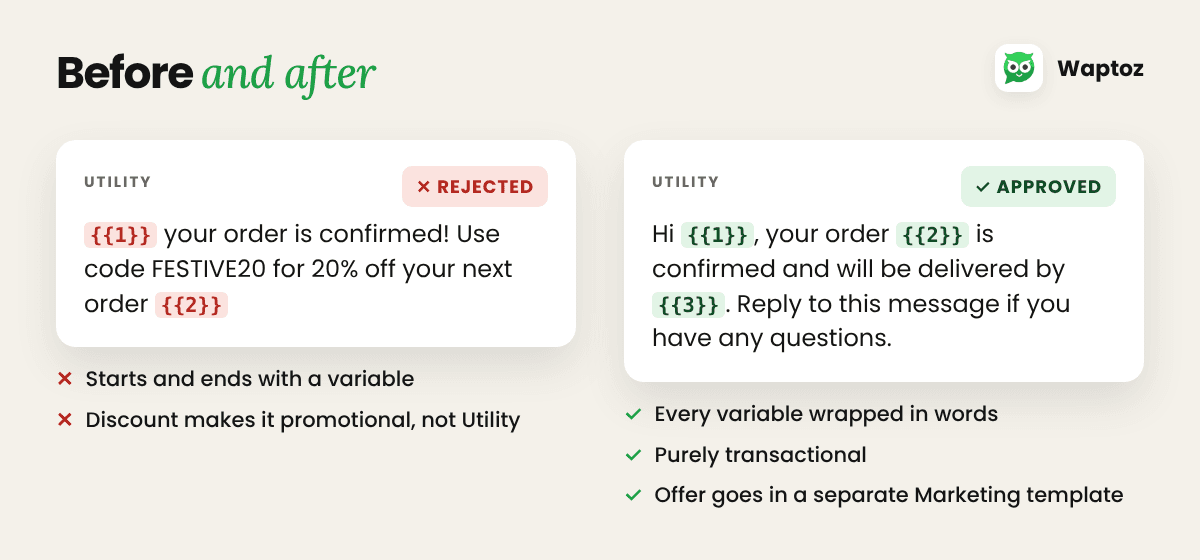
Rejected (Utility):
{{1}} your order is confirmed! Use code FESTIVE20 for 20% off your next order {{2}}
What went wrong:
- It starts and ends with a variable.
- The discount makes it promotional, so it doesn't belong in Utility.
Approved (Utility):
Hi {{1}}, your order {{2}} is confirmed and will be delivered by {{3}}. Reply to this message if you have any questions.
Send the discount as a separate Marketing template, and only to customers who opted in.
Checklist before you submit
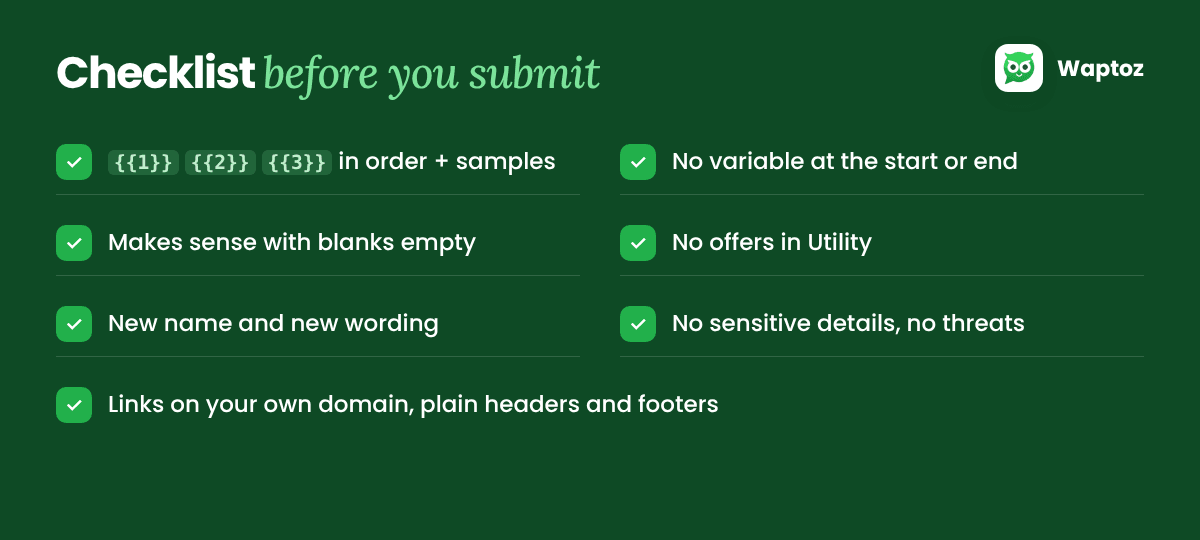
- Variables are
{{1}},{{2}},{{3}}, in order, with sample values - No variable at the very start or end
- The message makes sense even with the blanks empty
- The category matches the content: no offers in Utility
- Different name and wording from your existing templates
- No sensitive details requested, no threats
- Links on your own domain, plain headers and footers
Let AI do the first draft
In Waptoz, the AI template assistant drafts and refines templates for you, including headers, body text and carousel cards, so you start from a version that's already in the right shape. Write what you want to say, and refine it before you submit.
Ready to Automate WhatsApp for Your Business?
Shared inbox, official Meta Cloud API campaigns, and AI workflows — with 0% markup on Meta rates.
Book a Free DemoMore from the World of Waptoz
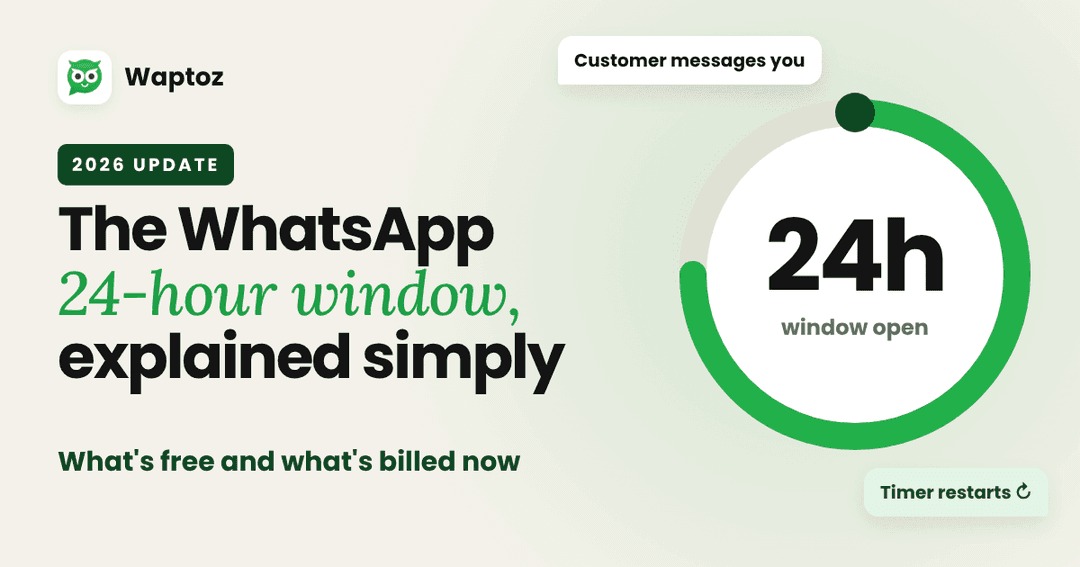
The WhatsApp 24-hour window, explained simply (2026 update)
How the WhatsApp 24-hour customer service window works, what is free and what is billed after Meta's 1 October 2026 pricing change, and how to keep costs predictable.
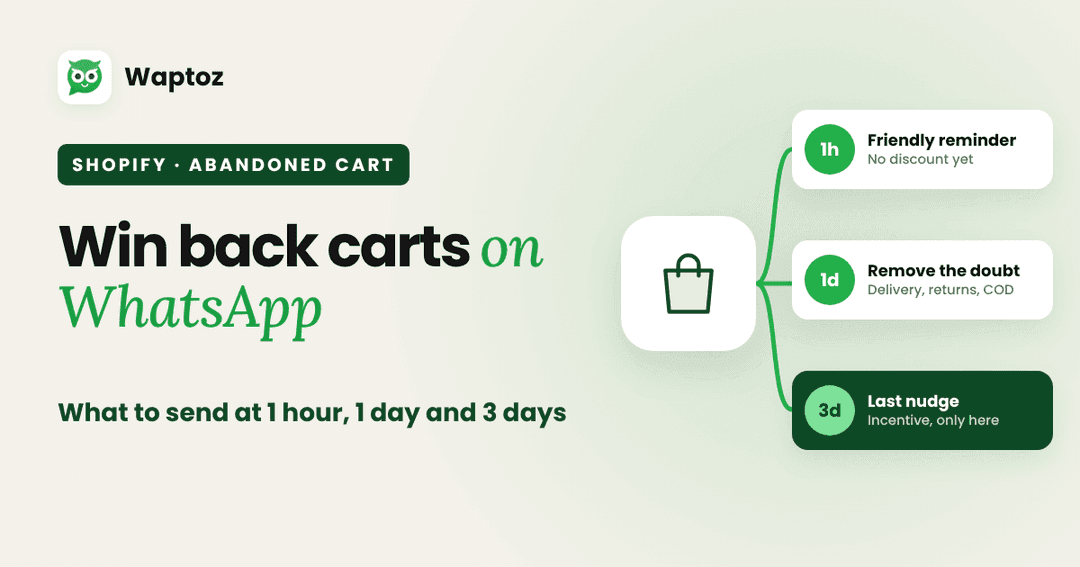
Shopify abandoned cart on WhatsApp: what to send at 1 hour, 1 day and 3 days
A 3-message WhatsApp abandoned cart sequence for Shopify stores: what to send at 1 hour, 1 day and 3 days, with example copy and the rules to follow.

How to Automate WhatsApp Messages for Business in 2025: Tools, Strategies & Benefits
Learn how to automate WhatsApp messages for your business: auto replies, chatbots, AI agents, campaigns and order updates. The tools you need, strategies that work and the benefits