The WhatsApp 24-hour window, explained simply (2026 update)
How the WhatsApp 24-hour customer service window works, what is free and what is billed after Meta's 1 October 2026 pricing change, and how to keep costs predictable.
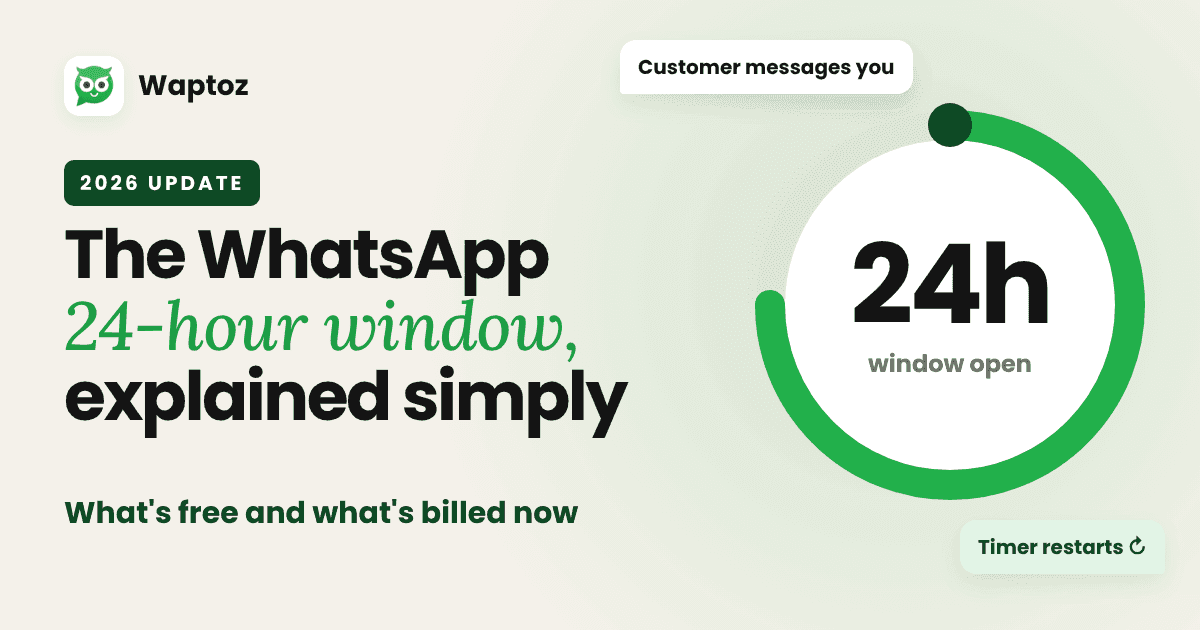
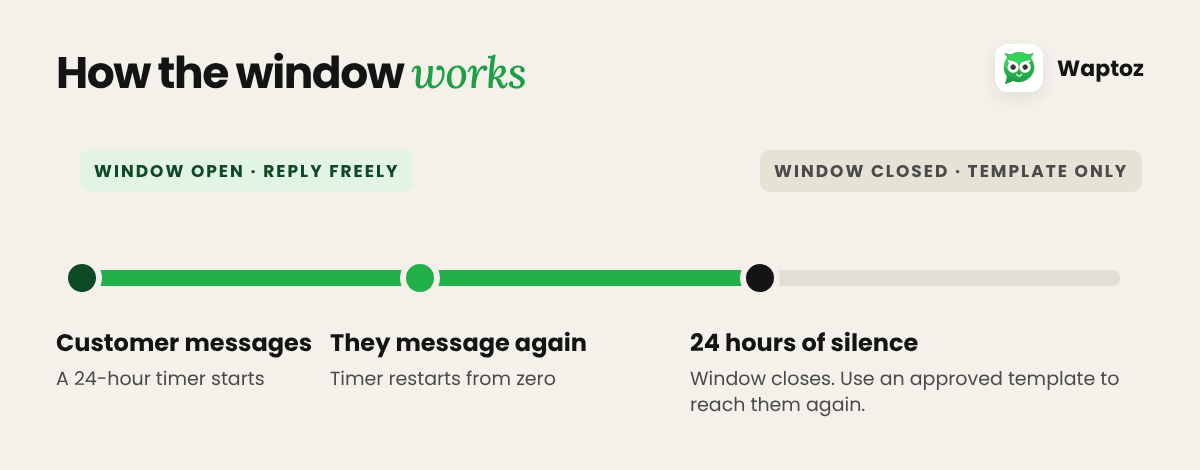
Every time a customer messages your business on WhatsApp, a 24-hour timer starts. Inside that window, you can reply however you like: text, images, voice notes, product lists. Each new message from the customer restarts the timer.
Once 24 hours pass without a message from them, the window closes. To reach that customer again, you need an approved template.
That part hasn't changed. What changed on 1 October 2026 is what you pay for inside the window.
What's free and what's billed now
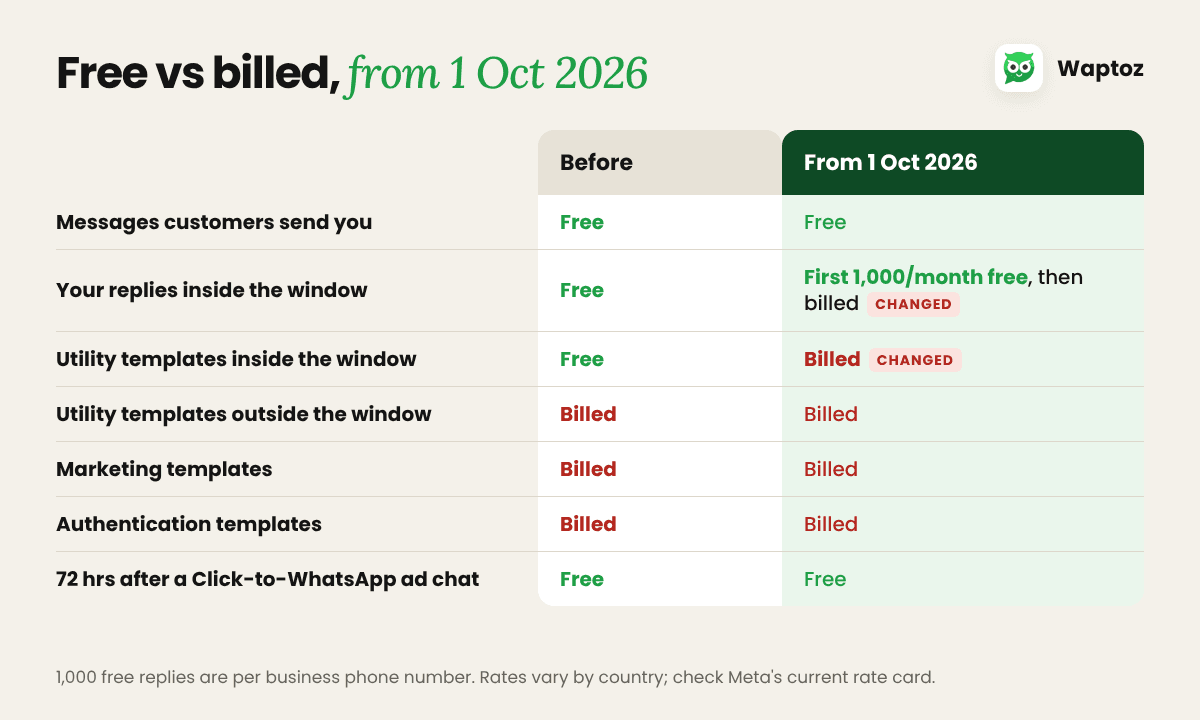
Messages customers send you — Before 1 Oct 2026: free. From 1 Oct 2026: free.
Your free-form replies inside the window (service messages) — Before 1 Oct 2026: free. From 1 Oct 2026: first 1,000 a month per business phone number free, then billed per message.
Utility templates sent inside the window — Before 1 Oct 2026: free. From 1 Oct 2026: billed per message.
Utility templates outside the window — Before and after: billed.
Marketing templates — Before and after: billed.
Authentication templates — Before and after: billed.
All messages within 72 hours of a Click-to-WhatsApp ad chat — Before and after: free.
Three things to know
- Service messages are counted one by one. Five short replies in one chat count as five messages, not one conversation.
- Utility templates are no longer free just because the window is open. An order update costs the same whether the customer messaged you an hour ago or not at all.
- Click-to-WhatsApp ads still open a free window. When a customer starts a chat from your ad and you reply within 24 hours, the next 72 hours of messages are free, even if you've used up your monthly service allowance.
Rates vary by country and message type. Meta publishes them in its rate cards, and for India they are charged in rupees.
How to keep costs predictable
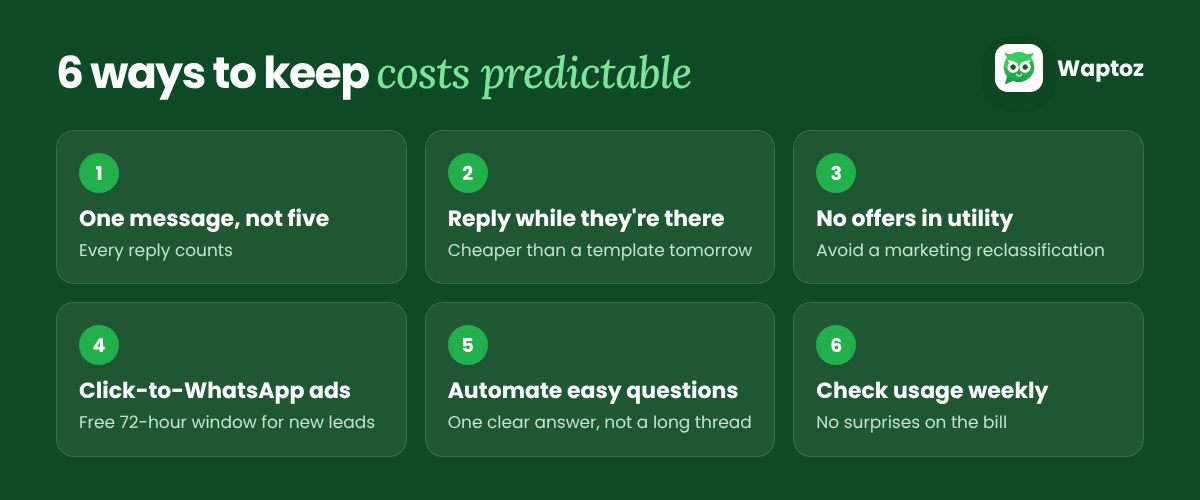
- Say it in one message, not five. Since every service message counts, combine "Hi!", "Yes, it's available" and "Here's the link" into one reply.
- Reply while the customer is still there. A quick answer inside the window is cheaper than winning them back with a template tomorrow.
- Keep offers out of utility templates. A discount line can get a utility template reclassified as marketing, which is usually the more expensive category.
- Use Click-to-WhatsApp ads for new conversations. Chats from these ads get a free 72-hour window, so your first back-and-forth with a new lead costs nothing in message fees.
- Let automation handle the easy questions. An AI agent or a flow answers "What are your timings?" in one clear message instead of a long thread.
- Watch your usage each week. Check how many service messages and templates you're sending, so the monthly bill holds no surprises.
How Waptoz bills messages
Waptoz passes Meta's message charges through at 0% markup from a prepaid wallet, so you see exactly what each message cost. Use the WhatsApp pricing calculator on our website to estimate your monthly spend for your country and message mix.
Pricing rules as published by Meta for 1 October 2026. Rates and allowances can change, so check Meta's current rate card before you budget.
Ready to Automate WhatsApp for Your Business?
Shared inbox, official Meta Cloud API campaigns, and AI workflows — with 0% markup on Meta rates.
Book a Free Demo