Shopify abandoned cart on WhatsApp: what to send at 1 hour, 1 day and 3 days
A 3-message WhatsApp abandoned cart sequence for Shopify stores: what to send at 1 hour, 1 day and 3 days, with example copy and the rules to follow.
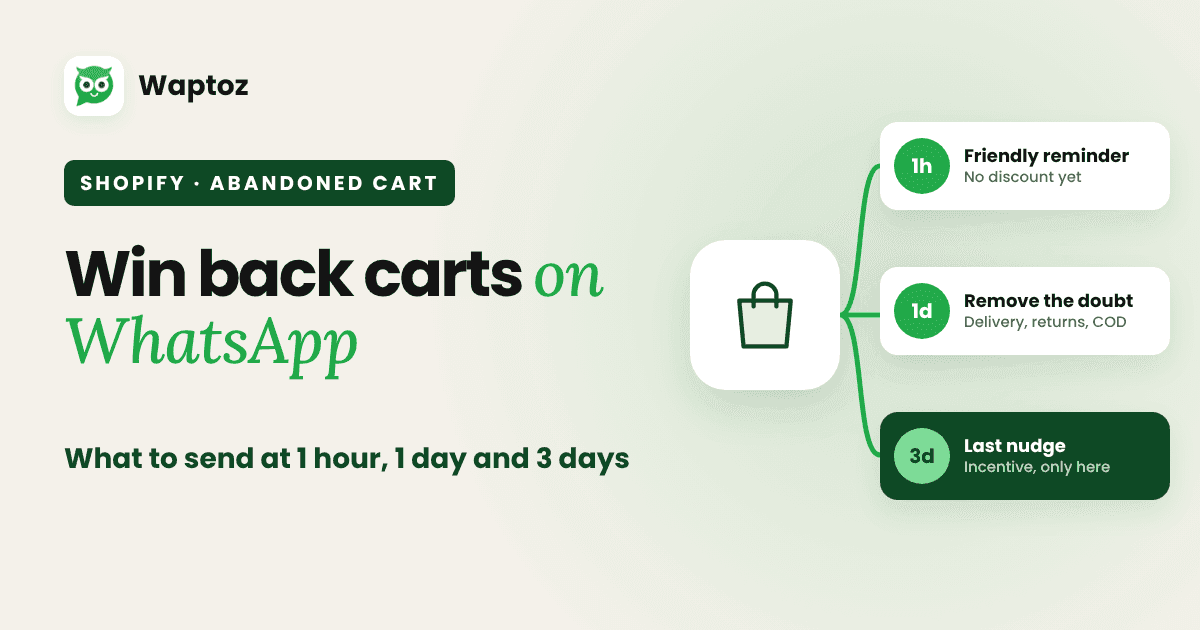
A shopper adds items to the cart, gets to checkout, and leaves. Maybe the phone rang. Maybe the delivery charge surprised them. Maybe they wanted to ask a question first. Most of them don't come back unless you remind them.
WhatsApp is a natural place for that reminder: it's where customers already chat, and they can reply with a question instead of just ignoring an email. Here's a simple three-message sequence that helps without nagging.
Set up first
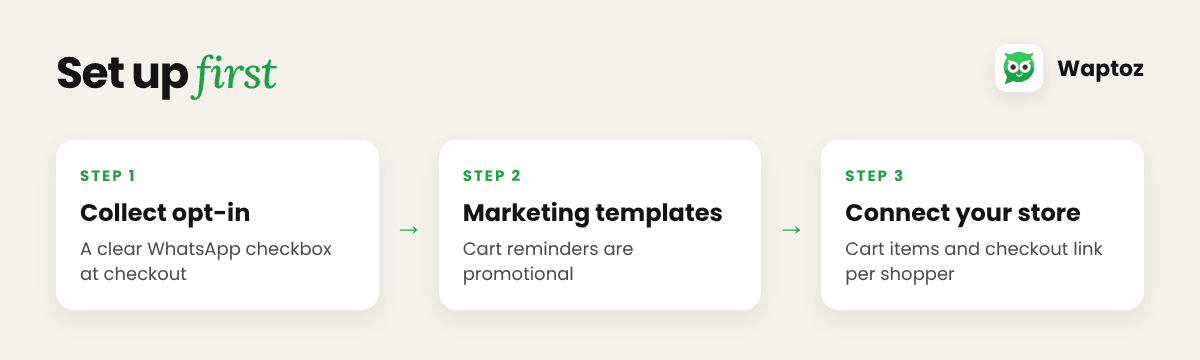
- Collect opt-in at checkout. Add a clear checkbox such as "Send me order updates and offers on WhatsApp". Only message shoppers who tick it.
- Use Marketing templates. Cart reminders are promotional, so submit them in the Marketing category.
- Connect your store. Your WhatsApp platform needs your Shopify cart data to send the right items and checkout link to the right person.
The 3-message sequence
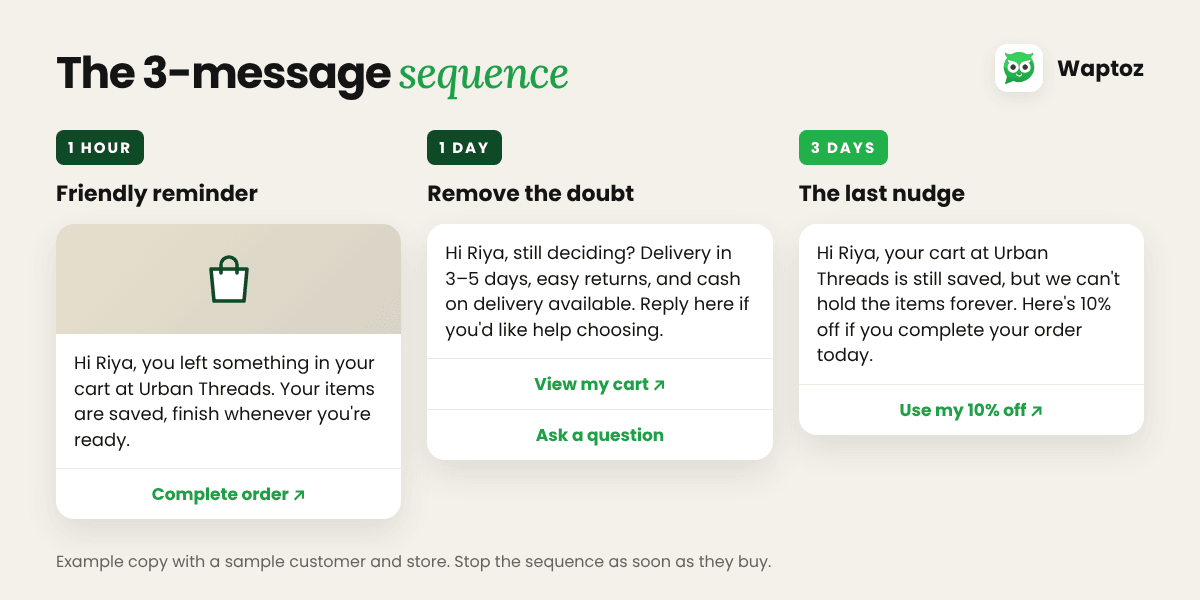
| Message | When | Job |
|---|---|---|
| 1 | 1 hour after they leave | A friendly reminder |
| 2 | 1 day later | Remove the doubt |
| 3 | 3 days later | The last nudge |
Message 1: 1 hour later, a friendly reminder
They're still thinking about it. Keep it short and helpful, with no pressure and no discount yet.
Hi {{1}}, you left something in your cart at {{2}}. Your items are saved, so you can finish your order whenever you're ready.
Button: Complete order
Add a product image header if your template supports it. The checkout link goes on the button, not at the end of the text, because a template can't end with a variable.
Message 2: 1 day later, remove the doubt
If they didn't come back, something stopped them. Answer the usual questions before they ask: delivery time, returns, cash on delivery, sizing.
Hi {{1}}, still deciding? Quick answers to common questions: delivery in {{2}} days, easy returns, and cash on delivery available. Reply here if you'd like help choosing.
Button: View my cart
The "reply here" line matters. On WhatsApp, a real person or an AI agent can answer right away, which an email can't do.
Message 3: 3 days later, the last nudge
This is the final message. If your margins allow it, this is where an incentive belongs, and only here, so customers don't learn to abandon carts on purpose.
Hi {{1}}, your cart at {{2}} is still saved, but we can't hold the items forever. Here's {{3}} off if you'd like to complete your order today.
Button: Complete my order
No margin for a discount? Offer free delivery, a small gift or a simple reminder instead.
Rules that keep it working
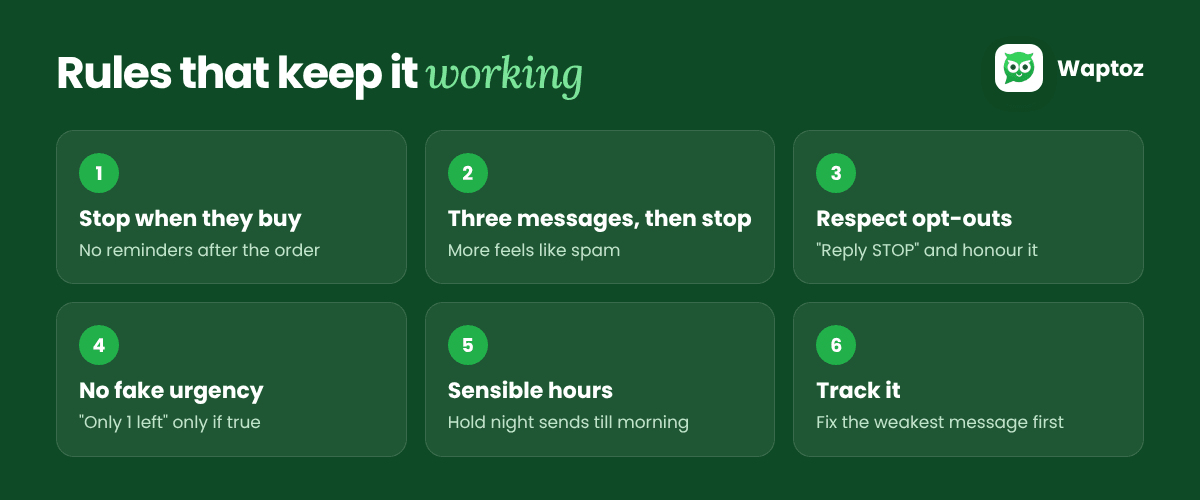
- Stop as soon as they buy. If the order comes through after message 1, messages 2 and 3 must not go out.
- Three messages, then stop. More than that feels like spam, and customers who block or report you hurt your number's quality rating.
- Respect opt-outs instantly. Add an opt-out line such as "Reply STOP to unsubscribe" and honour it.
- No fake urgency. Don't say "Only 1 left!" unless it's true.
- Send at sensible hours. If message 2 or 3 would land at night, hold it until morning in the customer's time zone.
- Track it. Look at how many carts each message recovers, then improve the weakest one first.
Set it up in Waptoz
Waptoz's Shopify integration has ready slots for Abandoned Cart 1, 2 and 3, so you map a template to each step and pick the timing. The same integration also handles order confirmations, COD confirm-or-cancel, fulfilment updates and reorder reminders. WooCommerce stores can turn on abandoned cart messages too.
Want to see it on your own store? Book a 15-minute demo.
Ready to Automate WhatsApp for Your Business?
Shared inbox, official Meta Cloud API campaigns, and AI workflows — with 0% markup on Meta rates.
Book a Free DemoMore from the World of Waptoz
The WhatsApp 24-hour window, explained simply (2026 update)
How the WhatsApp 24-hour customer service window works, what is free and what is billed after Meta's 1 October 2026 pricing change, and how to keep costs predictable.

How to Automate WhatsApp Messages for Business in 2025: Tools, Strategies & Benefits
Learn how to automate WhatsApp messages for your business: auto replies, chatbots, AI agents, campaigns and order updates. The tools you need, strategies that work and the benefits
Welcome to the Future of WhatsApp Marketing with Waptoz
Meet Waptoz: a WhatsApp Business CRM on Meta's official Cloud API. Shared team inbox, AI replies, campaigns, no-code chatbots and Shopify automations, with Meta's message charges a