WhatsApp Business App vs API: 6 real differences
WhatsApp Business App or API? Six practical differences, from team inbox to automation, and how coexistence lets you keep the app.
If your business already runs on WhatsApp, you've probably heard someone say you should "move to the API". It sounds technical, and it raises fair questions. Do you lose your number? Does your team need new phones? Is it only for big companies?
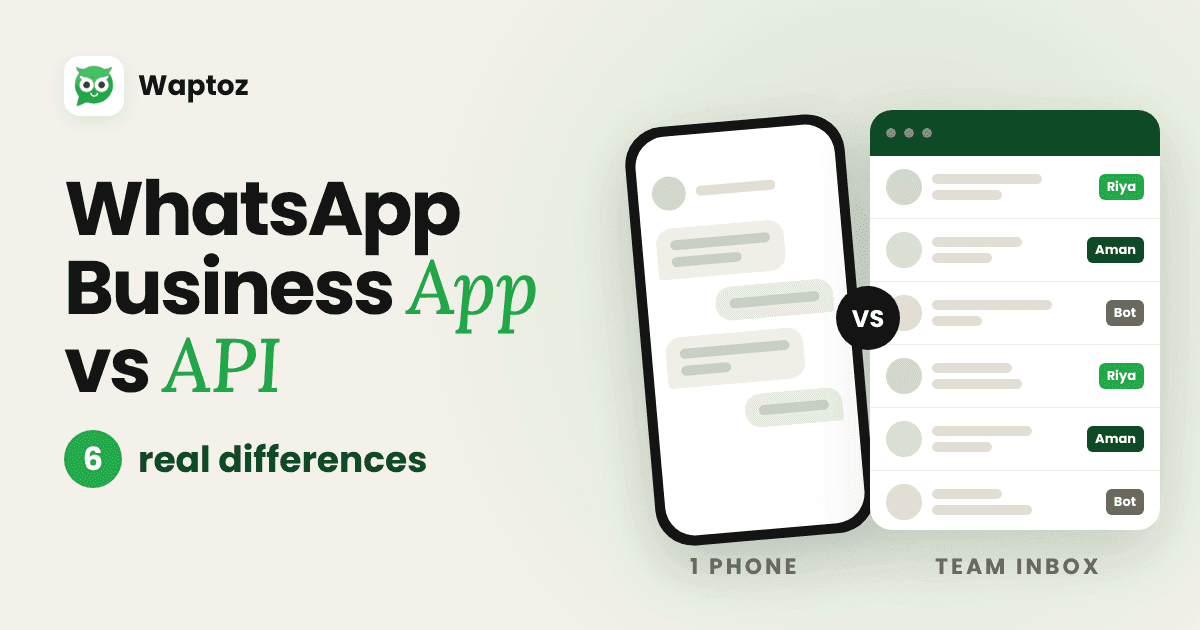
The short answer: the WhatsApp Business App is built for one person and one phone. The WhatsApp Business Platform, usually just called "the API", is built for a team and for automation. Most growing businesses hit the app's limits long before they think of themselves as "big". Here are the six differences that matter day to day.
The 6 real differences
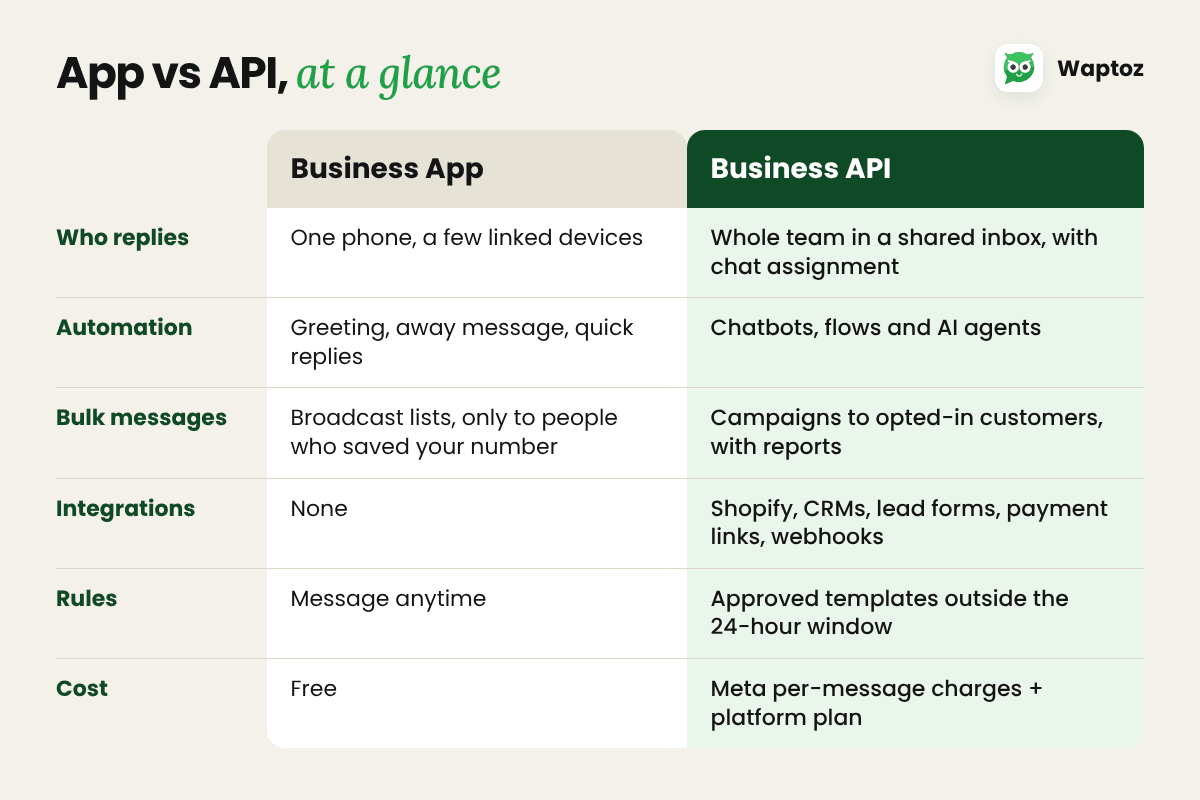
Who replies — App: one phone, plus a few linked devices. API: a shared inbox for the whole team, with chat assignment and roles.
Automation — App: greeting, away messages and quick replies. API: chatbots, no-code flows and AI agents that answer common questions.
Bulk messages — App: broadcast lists that only reach people who saved your number. API: campaigns to every customer who opted in, with scheduling and reports.
Integrations — App: none. API: Shopify, CRMs, lead forms, payment links and webhooks.
Rules — App: message anyone, anytime. API: outside the 24-hour window you use Meta-approved templates.
Cost — App: free. API: per-message charges from Meta, plus your platform plan.
1. Who replies
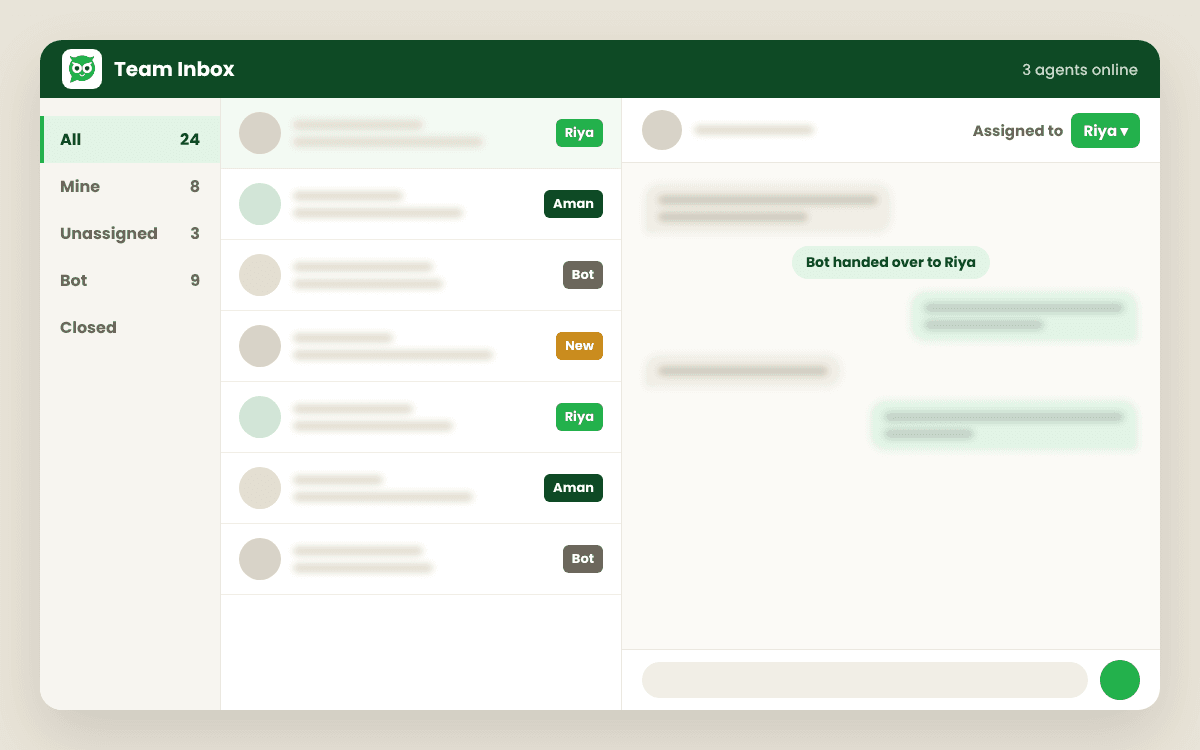
On the app, every chat lives on one phone. When three people need to reply, someone passes the phone around or you add linked devices with no way to see who is handling what. On the API, every chat lands in one shared inbox. You can assign a chat to a person, reassign it when they go home, and see which chats are still waiting.
2. Automation
The app gives you a greeting, an away message and saved replies. The API lets you build flows: ask for an address, show a product list, take an order, then hand the chat to a person. You can also add an AI agent that answers questions from your own knowledge base.
3. Bulk messages
App broadcast lists only reach people who have saved your number, which quietly limits who sees your offers. On the API, campaigns go to every customer who opted in to hear from you, and you can see who received and read them.
4. Integrations
The app stands alone. The API connects to the tools you already use: a Shopify order can trigger a confirmation, a Facebook lead form can start a chat, and a payment link can go out inside the conversation.
5. Rules
The API comes with rules that protect customers. You can reply freely within 24 hours of a customer's last message. Outside that window, you send a template that Meta has approved. It sounds strict, but it is also why API messages are trusted and less likely to be reported as spam.
6. Cost
The app is free. On the API, Meta charges per message, with rates by country and message type, and your platform charges for its plan. In return you get time back: fewer missed chats, less copy-pasting and replies that don't depend on one person's phone.
You don't have to give up the app
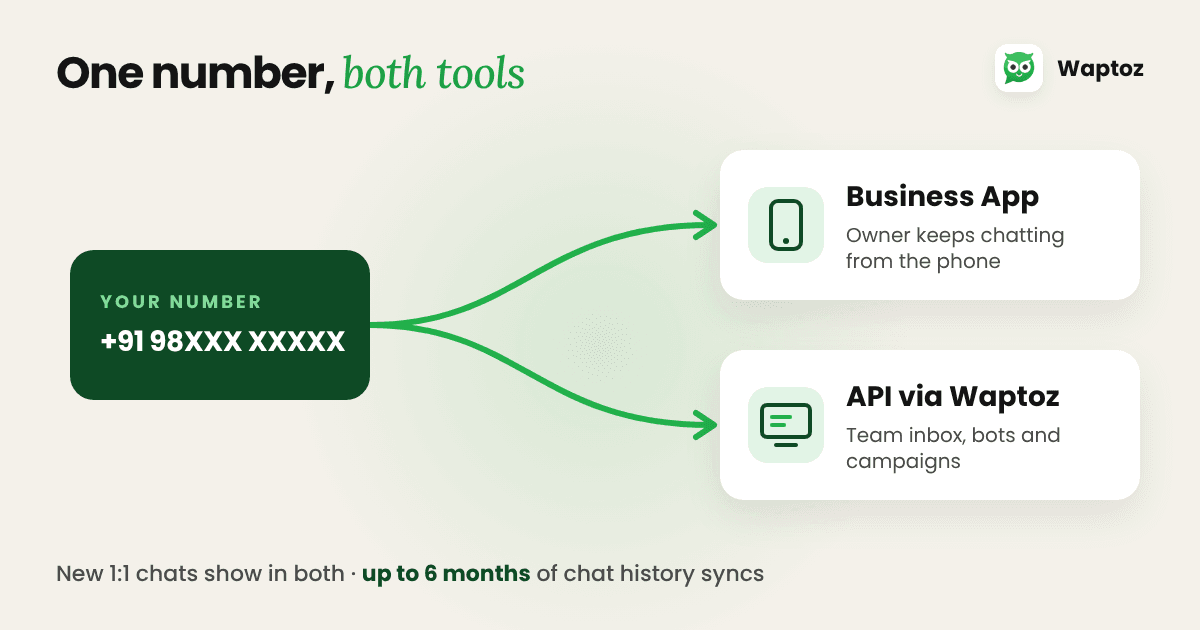
The biggest worry we hear is "I'll lose my number and my chats." With coexistence, you don't. Coexistence lets the same number run on the WhatsApp Business App and the API at the same time:
- Your number, your customers' chats and your app all stay.
- Up to six months of 1:1 chat history can be synced into your new inbox.
- New 1:1 messages show in both the app and the team inbox.
A few app features change once coexistence is on. Disappearing messages, view-once messages and live location are switched off for 1:1 chats, and existing broadcast lists become read-only, because campaigns move to the API.
Which one is right for you?
Stay on the app if:
- One person handles every chat
- You get a manageable number of messages a day
- You don't send offers to your customer list
Move to the API if:
- Two or more people reply to customers
- Chats get missed during busy hours
- You want to send offers to customers who opted in
- You want orders, payments or leads to flow into WhatsApp automatically
Try it on your own number
Waptoz runs on Meta's official WhatsApp Cloud API. You get a shared team inbox, AI replies, campaigns and Shopify automations, and Meta's message charges are passed on with 0% markup. If you're still not sure which fits, book a 15-minute demo and we'll look at your chats with you.
Ready to Automate WhatsApp for Your Business?
Shared inbox, official Meta Cloud API campaigns, and AI workflows — with 0% markup on Meta rates.
Book a Free Demo