WhatsApp CRM vs Traditional CRM: Key Differences for Sales & Support
Quick Answer
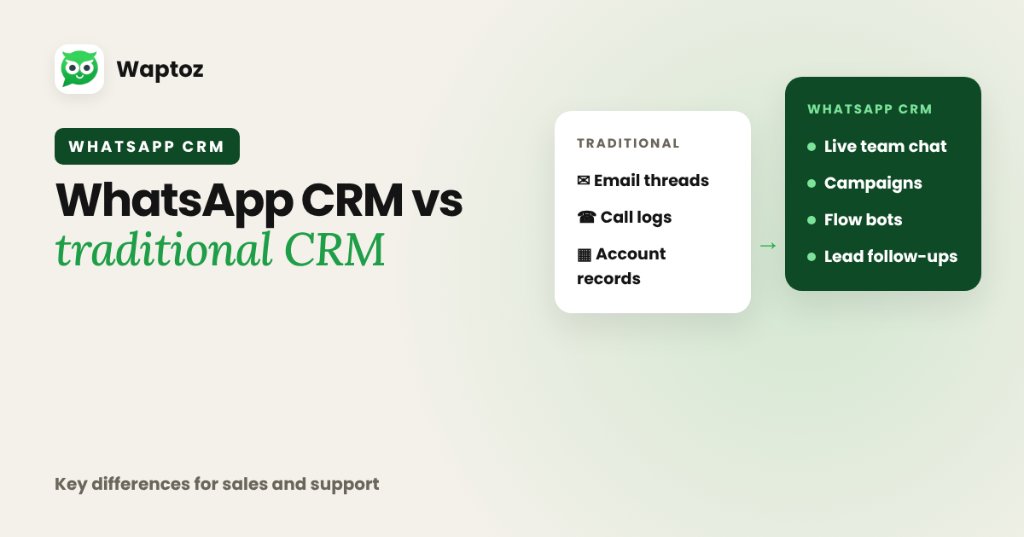
Traditional CRMs are built primarily around email threads, phone call logs, and multi-stage B2B account databases, treating messaging as an optional add-on. A WhatsApp CRM treats real-time official WhatsApp Cloud API conversations as the primary interface — unifying live multi-agent chat, approved broadcast campaigns, Flow bots, and lead follow-ups in one place.
How Traditional CRMs Handle Customer Messaging#
Classic CRM suites originated when desktop email and landline dialers drove every deal cycle. Adding WhatsApp to a traditional CRM typically requires paying for a separate BSP middleware connector, building webhook sync rules, and forcing sales reps to flip between CRM contact tabs and external chat windows.
Where WhatsApp-First CRMs Excel#
In markets like India, buyers respond far faster to short mobile WhatsApp threads than formal email follow-ups. A WhatsApp CRM puts lead capture, conversation history, pre-saved quick replies, brochure/PDF delivery, and demo scheduling inside one messaging-native workspace.
- Faster lead response through automated greetings, Flow bots, and shared inbox assignment.
- Built-in management of Meta template approvals, variables, and 24-hour reply windows.
- Direct ingestion from Click-to-WhatsApp ads, Meta Lead Ads, Google Forms, IndiaMART, and Razorpay.
When to Pair Waptoz With an Existing CRM Like Zoho#
High-scale organizations do not always have to rip out an existing back-office CRM. Using native OAuth connectors such as Waptoz's Zoho CRM integration or Generic Webhooks, teams can run fast front-line WhatsApp conversations and broadcasts in Waptoz while syncing contact and lead records bi-directionally.
Side-by-Side Comparison: Traditional CRM vs WhatsApp CRM#
| Capability | Traditional Email-First CRM | WhatsApp CRM (e.g. Waptoz) |
|---|---|---|
| Primary channel | Email, call logging, static forms | Official WhatsApp Cloud API two-way chat & broadcasts |
| Meta template management | Requires third-party BSP integration | Built-in template creation, approvals & variable mapping |
| Chatbot & Flow builder | Usually separate ticketing/chat add-on | Integrated Flow Bot & away message triggers |
| Multi-agent shared inbox | Built for email tickets; WA often bolt-on | Real-time WhatsApp inbox with quick replies & media |
| Best fit | Complex multi-month enterprise account hierarchies | High-velocity SMB/mid-market sales & support via WhatsApp |
Practical Hybrid Setup: Real Estate or B2B Sales#
A brokerage captures leads via Meta Ads and keeps long-term contract accounting inside Zoho CRM while reps talk to buyers on WhatsApp.
- Meta Lead Ad submissions enter Waptoz CRM immediately and trigger an automated brochure message.
- Agents handle live buyer chats inside the shared WhatsApp Team Inbox.
- Contact updates sync via native Zoho CRM OAuth mapping so management reports stay aligned.
Limitations to Weigh Honestly#
- If your sales cycle depends heavily on email cadences, voice call recording compliance, or deep financial ERP objects, keep a traditional CRM or integrate via OAuth/webhooks.
- Every outbound WhatsApp re-engagement past 24 hours follows Meta's paid template rules.
Frequently Asked Questions#
Yes. Waptoz includes a native OAuth Zoho CRM connector with configurable field mapping and sync direction, alongside Generic Webhooks for custom CRM systems.
For many SMBs in real estate, coaching, agencies, and local D2C brands, Waptoz's built-in contact attributes, tags, follow-ups, demo scheduling, and quotations cover daily sales workflows without extra CRM licenses.
Primary References & Official Documentation#
- Meta for Developers: WhatsApp Business Platform Overview
Explore Waptoz Lead Management & Zoho Integration
See how Waptoz captures leads, tracks follow-ups, and syncs natively with Zoho CRM.

Continue Reading
What Is WhatsApp CRM Software?
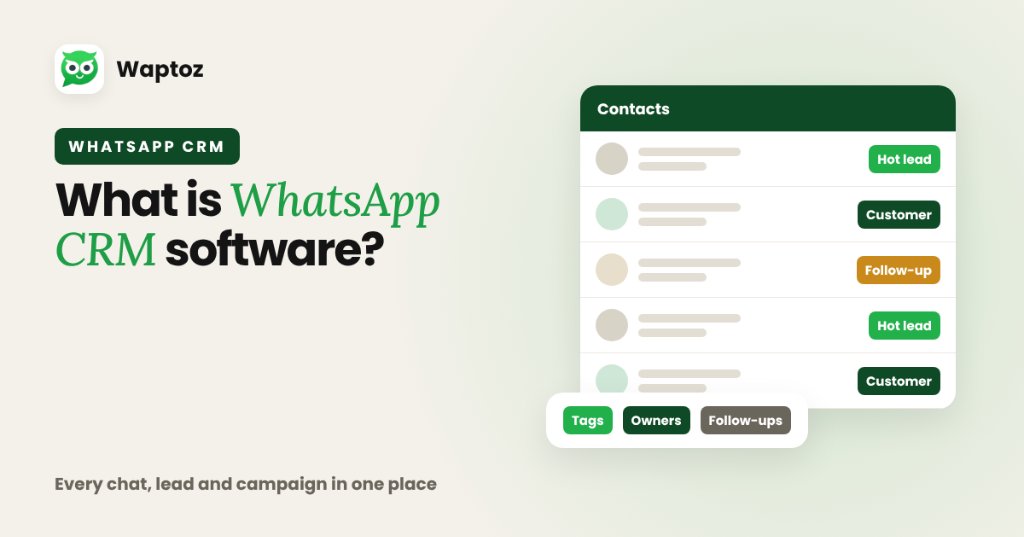
WhatsApp CRM software combines traditional Customer Relationship Management (lead capture, contact segmentation, tags, follow-ups, and team ownership) with the official WhatsApp Business Cloud API. Instead of scattering customer chats across personal employee phones, teams manage every conversation, campaign broadcast, automated workflow, and deal update from one shared dashboard.
How to Manage Business Leads on WhatsApp From Inquiry to Close
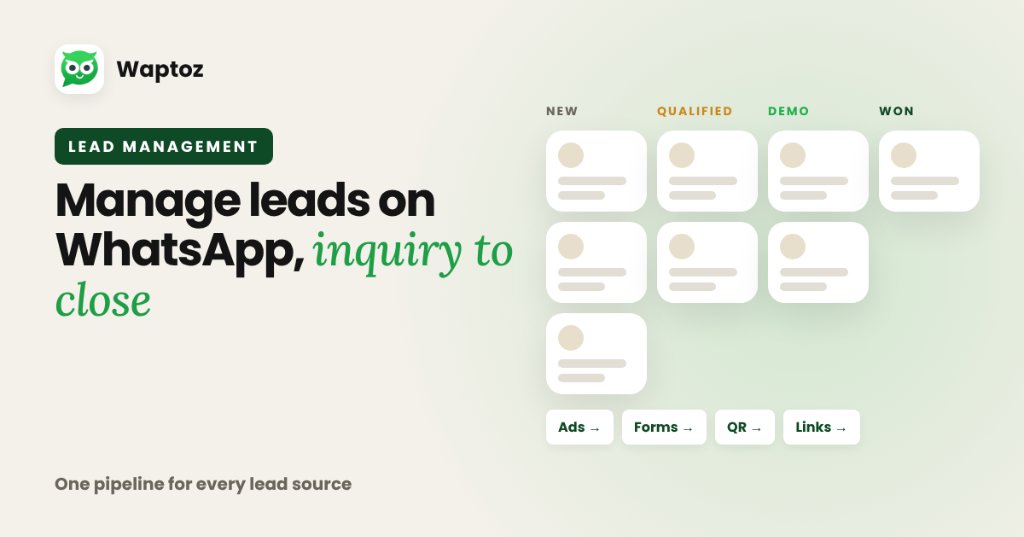
Managing leads effectively on WhatsApp requires centralizing every acquisition channel into a single CRM pipeline: ingest leads automatically from ads, forms, and click links, apply structured tags and custom attributes, assign owners cleanly, track follow-ups and demo dates inside the CRM, and connect every update to live chat history.
WhatsApp Cloud API Explained: Architecture, Onboarding & Hosting
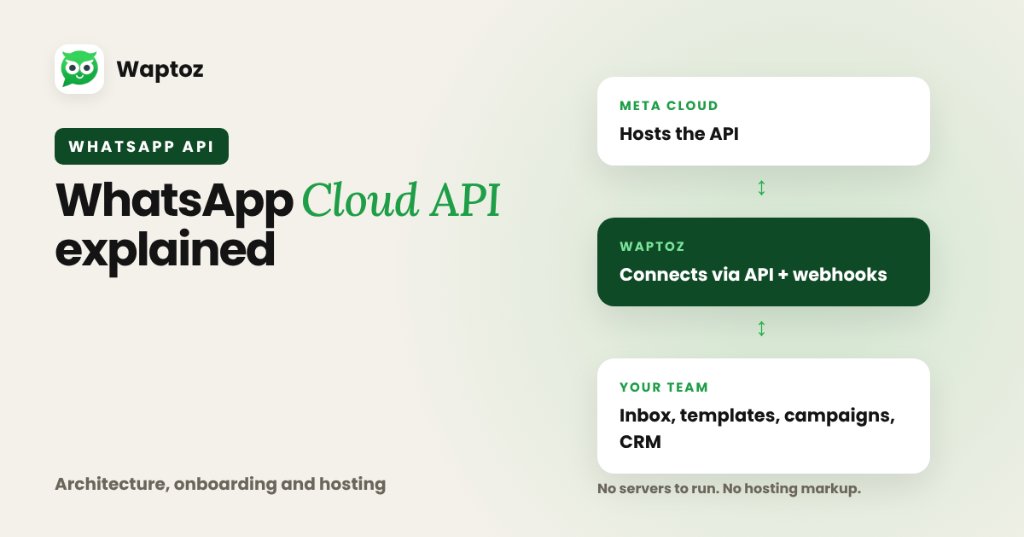
The WhatsApp Cloud API is Meta's official, cloud-hosted version of the WhatsApp Business Platform API. Instead of businesses maintaining Docker servers or paying middleware hosting markups under older On-Premises setups, Meta hosts the API directly on its servers while software platforms like Waptoz connect via API and webhooks to give you an inbox, templates, broadcasts, and CRM tools.