What Is WhatsApp CRM Software?
Quick Answer
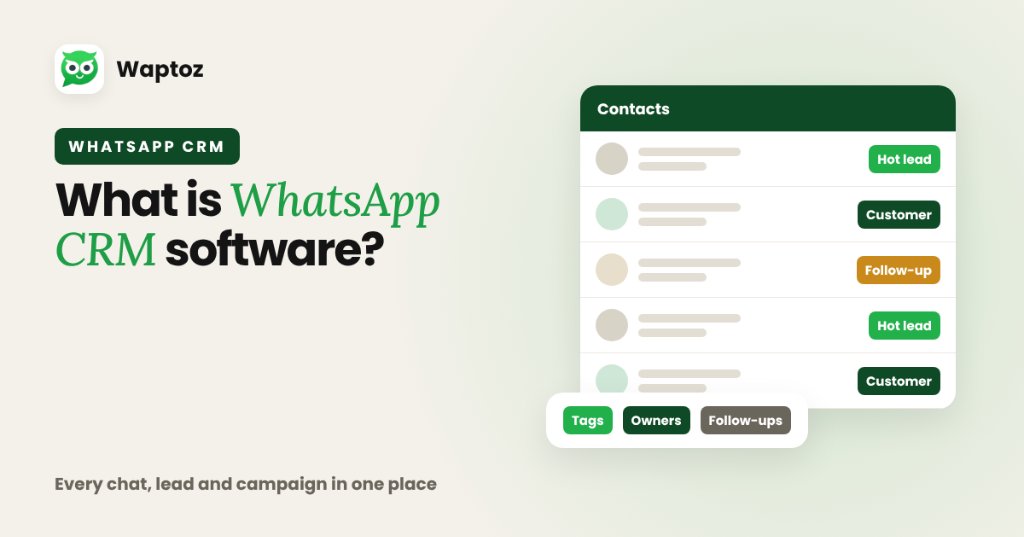
WhatsApp CRM software combines traditional Customer Relationship Management (lead capture, contact segmentation, tags, follow-ups, and team ownership) with the official WhatsApp Business Cloud API. Instead of scattering customer chats across personal employee phones, teams manage every conversation, campaign broadcast, automated workflow, and deal update from one shared dashboard.
Why Standard WhatsApp Breaks Down as Teams Grow#
Many Indian SMBs start selling and supporting customers on a single phone running the standard WhatsApp Business App. While practical for one operator, it breaks quickly once multiple sales reps, campaign managers, and support agents need simultaneous access.
Without a CRM layer, leads from ads or portals stay trapped in spreadsheets, agent handoffs lack chat history, and personal SIM accounts risk losing business data if staff leave.
- Single-phone and linked-device caps restrict coordinated multi-agent support.
- Personal-number WhatsApp broadcasts max out at 256 contacts and only reach users who saved your number.
- Zero structured follow-up reminders, lead source attribution, or webhook automation.
How WhatsApp CRM Software Works#
A modern WhatsApp CRM connects your official business phone number to Meta's hosted WhatsApp Business Cloud API. Every inbound customer message, click-to-chat inquiry, or ad lead creates or updates a structured CRM contact record containing conversation logs, tags, custom attributes, and assigned agent ownership.
On Waptoz, teams use one workspace to receive live chats in a shared Team Inbox, import or sync contacts from sources like Meta Lead Ads, Google Forms, Shopify, Razorpay, Zoho CRM, and IndiaMART, schedule approved template broadcasts, and trigger Flow Bot replies.
Core Capabilities to Expect in a WhatsApp CRM#
When evaluating platforms in India or globally, look for these verified functional pillars rather than superficial message blasts:
- Shared Multi-Agent Inbox with explicit chat assignment and role permissions.
- Lead capture connectors and custom attributes (city, interest, source, budget).
- Meta-approved message template management and compliant broadcast scheduling.
- Follow-up tracking, demo scheduling, and quotation generation tied to contacts.
- Away messages, no-code Flow bots, and webhook automation triggers.
WhatsApp Business App vs WhatsApp CRM Software#
| Dimension | Standard WhatsApp Business App | WhatsApp CRM Software (Cloud API) |
|---|---|---|
| Multi-agent access | Limited phone + linked companion devices | Role-based shared web Team Inbox across agents |
| Broadcast reach | 256-contact list cap; recipient must save number | Opted-in Cloud API templates; no contact-save required |
| Lead capture | Manual entry from ads/forms | Native/webhook sync (Meta Ads, Google Forms, IndiaMART, CRM) |
| Follow-ups & ownership | Informal labels on one device | Assigned owners, scheduled follow-ups, demos & history |
| Automation | Basic greeting & away message | Flow bots, webhooks, order/payment triggers & scheduled campaigns |
Practical Workflow: Inquiry to Scheduled Demo#
An Indian education or software business runs Meta Lead Ads offering course counseling or product demos.
- Prospect submits the Meta Lead Ad form and is synced automatically into Waptoz CRM.
- A pre-approved welcome WhatsApp template fires immediately introducing the counselor.
- When the prospect replies inside WhatsApp, a Flow bot collects preferred batch timing or team size.
- The conversation is assigned to an available sales rep in the shared Team Inbox with scheduled follow-up reminders.
Limitations and Policy Considerations#
- WhatsApp CRM platforms require official Meta Business verification and follow Meta's 24-hour customer service window and template approval rules.
- Proactive outbound messages outside an active 24-hour window incur Meta per-message template fees alongside your software subscription.
- A WhatsApp CRM complements rather than automatically replaces complex ERP finance/inventory modules.
Frequently Asked Questions#
No. Because WhatsApp CRM platforms operate over the official Meta WhatsApp Business Cloud API, approved template messages can be delivered to opted-in contacts even if your number is not saved in their address book.
Yes, when built on the official Meta WhatsApp Business Cloud API and paired with documented user opt-in consent and opt-out controls aligned with Meta Business Policies and India's DPDP Act, 2023.
Yes. Shared Team Inbox functionality allows multiple authorized agents and managers to reply from a single official business number with clear ownership assignment.
Primary References & Official Documentation#
- Meta for Developers: WhatsApp Business Platform Documentation
- Meta Business: Meta Business Platform Overview
Explore Waptoz WhatsApp CRM Platform
Review all verified Cloud API inbox, campaign, lead, and automation modules in one place.

Continue Reading
WhatsApp CRM vs Traditional CRM: Key Differences for Sales & Support
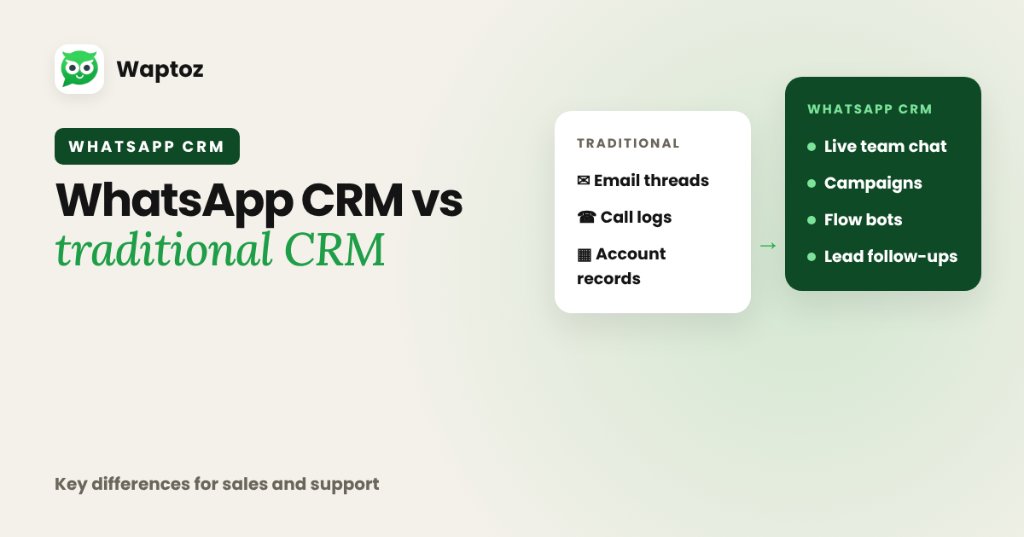
Traditional CRMs are built primarily around email threads, phone call logs, and multi-stage B2B account databases, treating messaging as an optional add-on. A WhatsApp CRM treats real-time official WhatsApp Cloud API conversations as the primary interface — unifying live multi-agent chat, approved broadcast campaigns, Flow bots, and lead follow-ups in one place.
How to Manage Business Leads on WhatsApp From Inquiry to Close
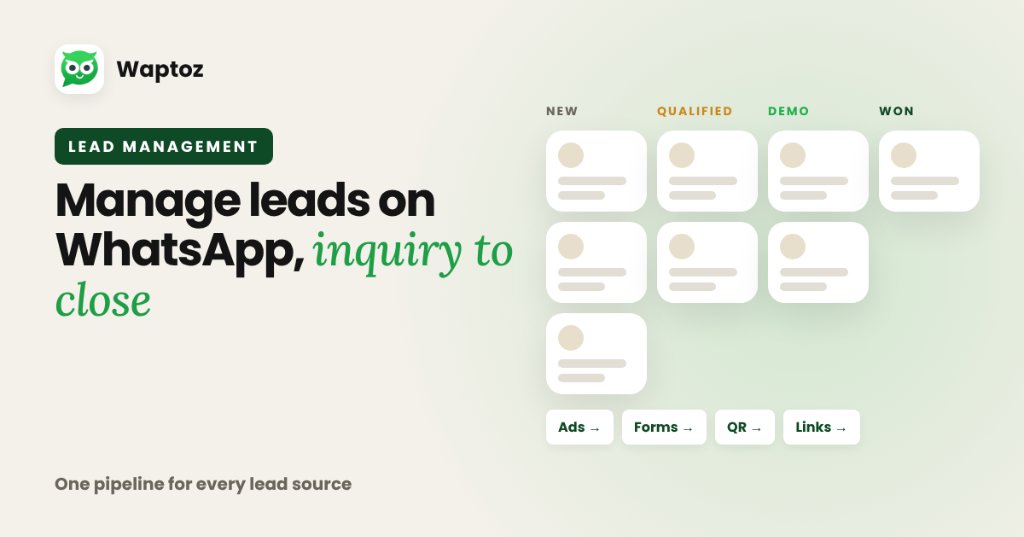
Managing leads effectively on WhatsApp requires centralizing every acquisition channel into a single CRM pipeline: ingest leads automatically from ads, forms, and click links, apply structured tags and custom attributes, assign owners cleanly, track follow-ups and demo dates inside the CRM, and connect every update to live chat history.
WhatsApp Cloud API Explained: Architecture, Onboarding & Hosting
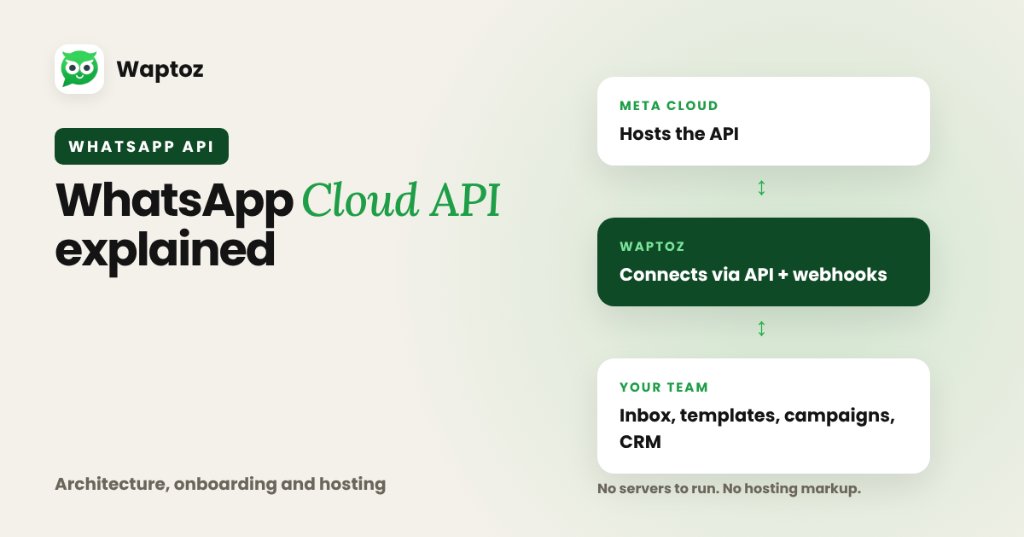
The WhatsApp Cloud API is Meta's official, cloud-hosted version of the WhatsApp Business Platform API. Instead of businesses maintaining Docker servers or paying middleware hosting markups under older On-Premises setups, Meta hosts the API directly on its servers while software platforms like Waptoz connect via API and webhooks to give you an inbox, templates, broadcasts, and CRM tools.