How to Manage Business Leads on WhatsApp From Inquiry to Close
Quick Answer
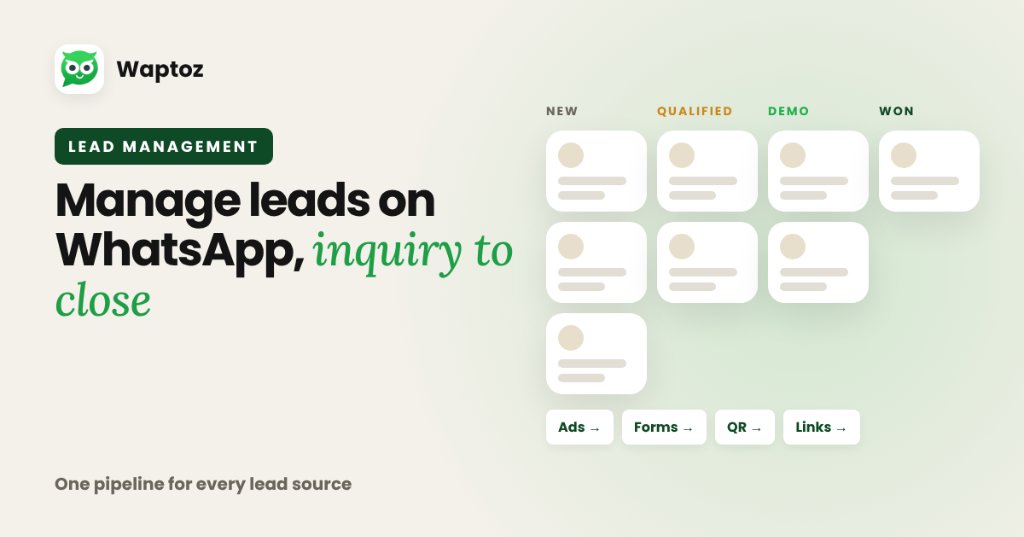
Managing leads effectively on WhatsApp requires centralizing every acquisition channel into a single CRM pipeline: ingest leads automatically from ads, forms, and click links, apply structured tags and custom attributes, assign owners cleanly, track follow-ups and demo dates inside the CRM, and connect every update to live chat history.
Why Chat Apps Alone Fail as a Lead Pipeline#
Standard WhatsApp threads sort strictly by the most recent reply. Once a busy sales rep handles 50 conversations in a day, yesterday's hot prospects get pushed down the screen and forgotten.
Step-by-Step WhatsApp Lead Management System#
Replace ad-hoc scrolling with four clear operational stages:
- 1. Centralize Capture: Connect Meta Lead Ads, Google Lead Form Extensions, IndiaMART, website WhatsApp links, and CSV imports straight into Waptoz Leads Management.
- 2. Structure Attributes & Tags: Store structured metadata like city, product interest, lead source, and priority tag rather than burying details inside chat paragraphs.
- 3. Separate Follow-Ups & Demos: Use dedicated CRM Follow-Ups and Demo Scheduled views so reps start each morning with a prioritized action list.
- 4. Share Quotes & Re-Engage Opted-In Leads: Generate CRM Quotations and send approved reminder or offer templates when prospects stall.
Practical Example: Multi-Channel B2B & Service Sales Desk#
A regional solar, real estate, or B2B services company captures inquiries from IndiaMART, Facebook Instant Forms, and a website 'Chat on WhatsApp' link.
- Every inquiry creates a CRM lead tagged automatically with its acquisition channel.
- Lead auto-assignment assigns new records across active sales reps.
- Reps send rich brochure media or schedule product demos straight from the CRM record.
- Managers review scheduled demos, follow-up queues, and conversion activity in one view.
Limitations to Keep in Mind#
- WhatsApp CRM lead pipelines depend on accurate tagging and disciplined status updates by reps.
- Follow-up broadcasts sent past Meta's 24-hour reply window require Meta-approved templates and incur standard conversation rates.
Frequently Asked Questions#
Yes. Waptoz supports lead tracking from WhatsApp click links alongside Meta Lead Ads, Google Lead Form Extensions, IndiaMART, social leads, and CSV/Excel imports.
Yes. Using tags and custom attributes stored in Waptoz CRM, teams can filter opted-in segments and launch scheduled template re-engagement campaigns.
Primary References & Official Documentation#
- Meta Business: Meta Business Click-to-WhatsApp & Lead Solutions
Explore Waptoz WhatsApp Lead Management
Centralize Meta Ads, Google Forms, IndiaMART, follow-ups, demos, and quotations.

Continue Reading
How to Assign WhatsApp Leads to Sales Agents Using Clear Routing Rules
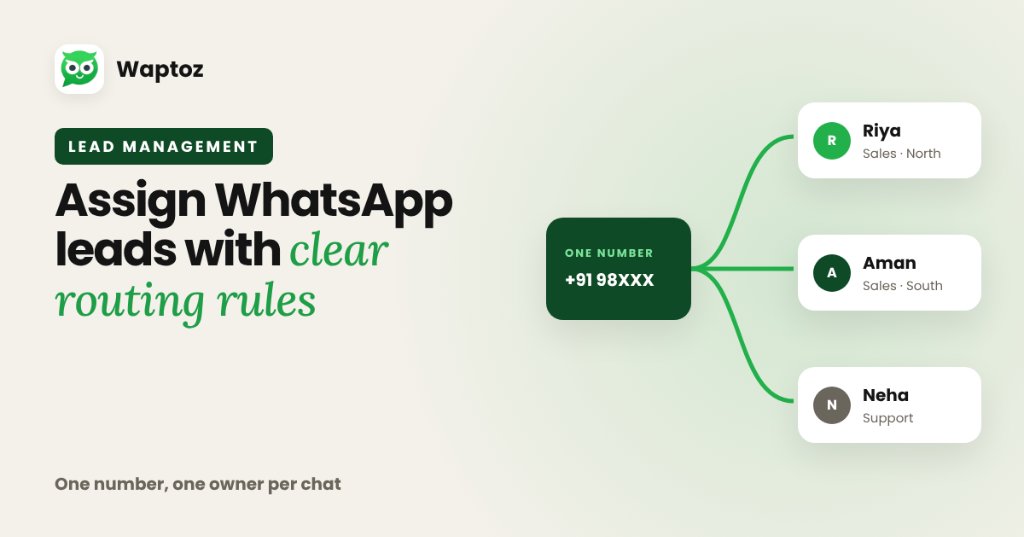
To assign WhatsApp leads cleanly without two reps replying to the same buyer, route one official WhatsApp Business API number into a shared multi-agent Team Inbox and pair it with CRM lead assignment rules. Incoming inquiries receive an explicit owner automatically or by manager dispatch, preserving full accountability and chat history.
How to Automate WhatsApp Lead Follow-Ups Without Losing Human Context
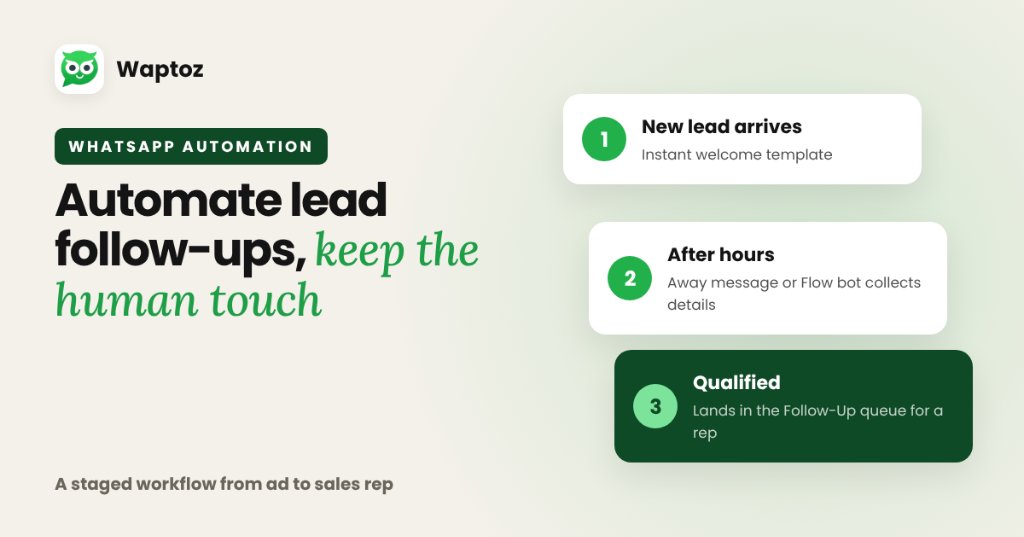
Automating WhatsApp lead follow-ups works best as a staged workflow: send an immediate welcome template when a lead arrives from ads or portals, use Away Messages or a Flow bot to gather initial preferences outside working hours, and route qualified threads into a CRM Follow-Up queue so sales agents step in smoothly.
What Is WhatsApp CRM Software?
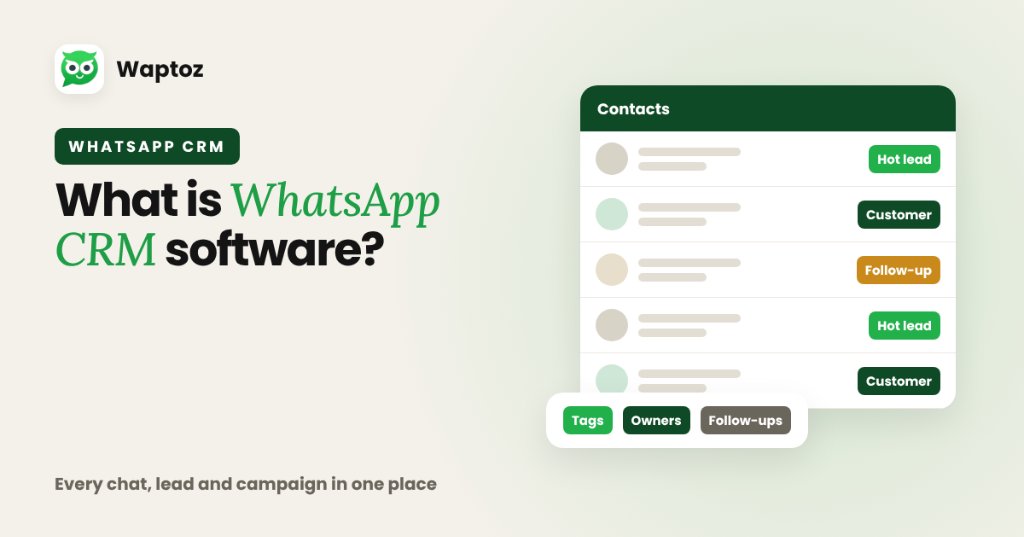
WhatsApp CRM software combines traditional Customer Relationship Management (lead capture, contact segmentation, tags, follow-ups, and team ownership) with the official WhatsApp Business Cloud API. Instead of scattering customer chats across personal employee phones, teams manage every conversation, campaign broadcast, automated workflow, and deal update from one shared dashboard.