How to Assign WhatsApp Leads to Sales Agents Using Clear Routing Rules
Quick Answer
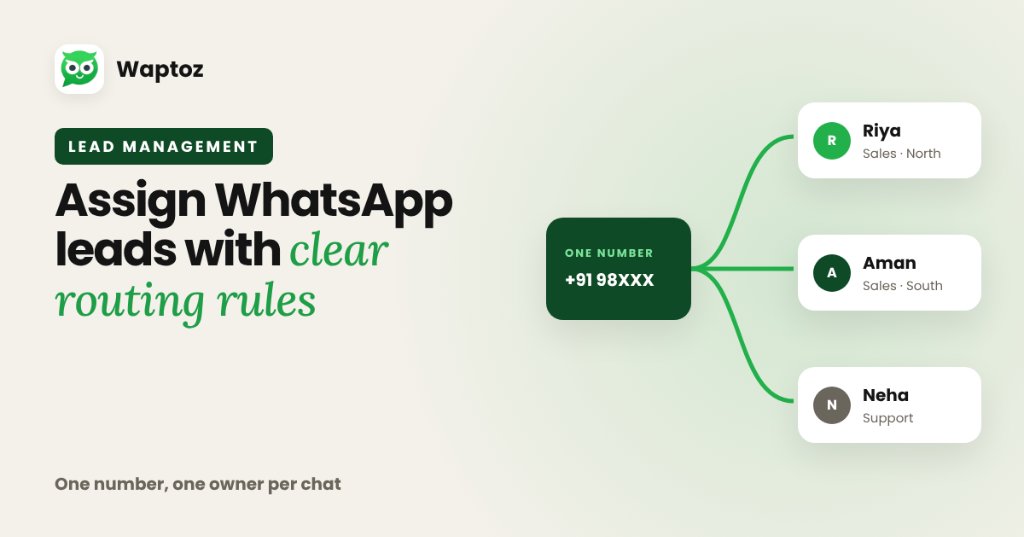
To assign WhatsApp leads cleanly without two reps replying to the same buyer, route one official WhatsApp Business API number into a shared multi-agent Team Inbox and pair it with CRM lead assignment rules. Incoming inquiries receive an explicit owner automatically or by manager dispatch, preserving full accountability and chat history.
Practical Example: Real Estate Brokerage Team Routing#
A 6-agent real estate desk runs regional Meta Ads for residential and commercial projects.
- All ads funnel into the brokerage's single official WhatsApp Cloud API number.
- CRM auto-assignment distributes incoming inquiries across active sales advisors.
- Each advisor sees their assigned conversations inside the shared Team Inbox with pre-saved location & floor-plan quick replies.
- If an advisor goes on leave, a manager reassigns active chats in seconds without transferring physical SIM cards.
Operational Considerations#
- Agent seat limits and user roles depend on your active subscription plan.
- Clear internal SLA guidelines (how quickly an agent must pick up assigned leads) still determine conversion speed.
Frequently Asked Questions#
No. Multiple agents and managers collaborate from one official company WhatsApp Business number inside the shared Waptoz Team Inbox.
Yes. Waptoz CRM supports role configuration (`setting/Role` and user management) so teams can distinguish manager and agent responsibilities cleanly.
Primary References & Official Documentation#
- Meta for Developers: WhatsApp Business Platform Overview
Explore Waptoz Shared Team Inbox
Assign chats across agents cleanly from one official WhatsApp Business number.

Continue Reading
How to Manage Business Leads on WhatsApp From Inquiry to Close
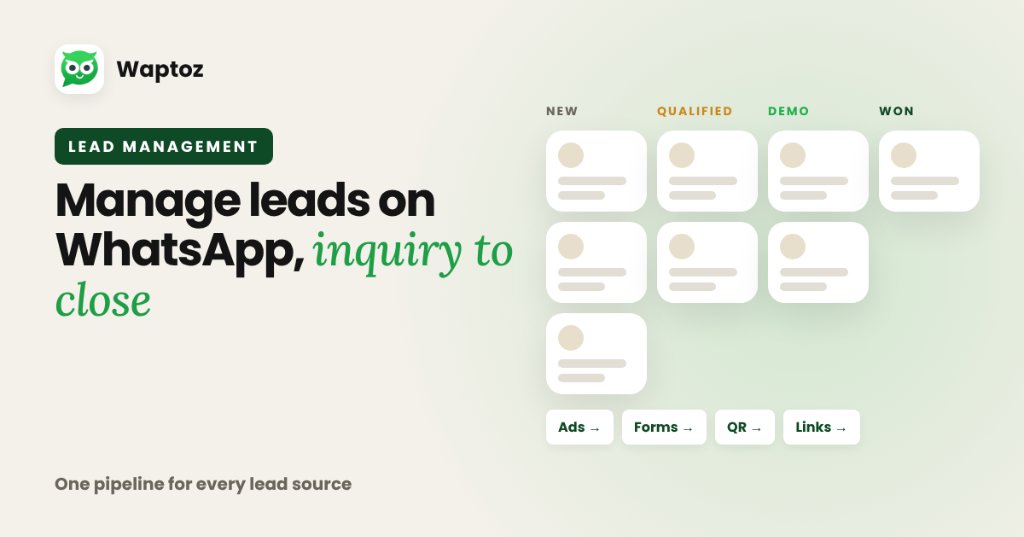
Managing leads effectively on WhatsApp requires centralizing every acquisition channel into a single CRM pipeline: ingest leads automatically from ads, forms, and click links, apply structured tags and custom attributes, assign owners cleanly, track follow-ups and demo dates inside the CRM, and connect every update to live chat history.
WhatsApp Chatbot vs Human Support: When to Automate and When to Hand Off
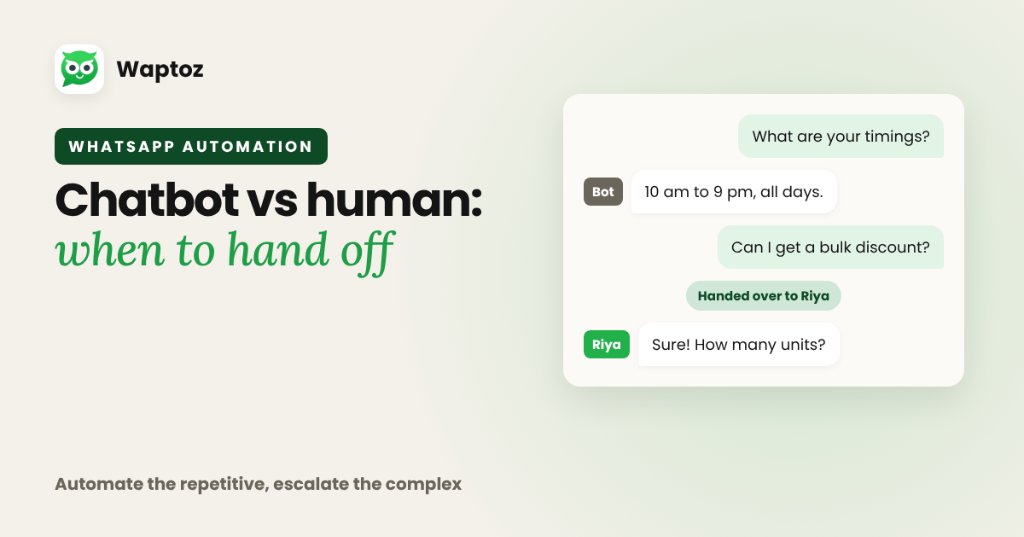
The highest-performing support teams do not treat chatbots and humans as an either-or choice. Use a no-code WhatsApp Flow bot (and Knowledge Base FAQs) to handle instant 24/7 greetings, repetitive pricing/status questions, and intake routing — then hand off complex objections, billing disputes, or high-value negotiations to human agents in a shared Team Inbox.
How to Automate WhatsApp Lead Follow-Ups Without Losing Human Context
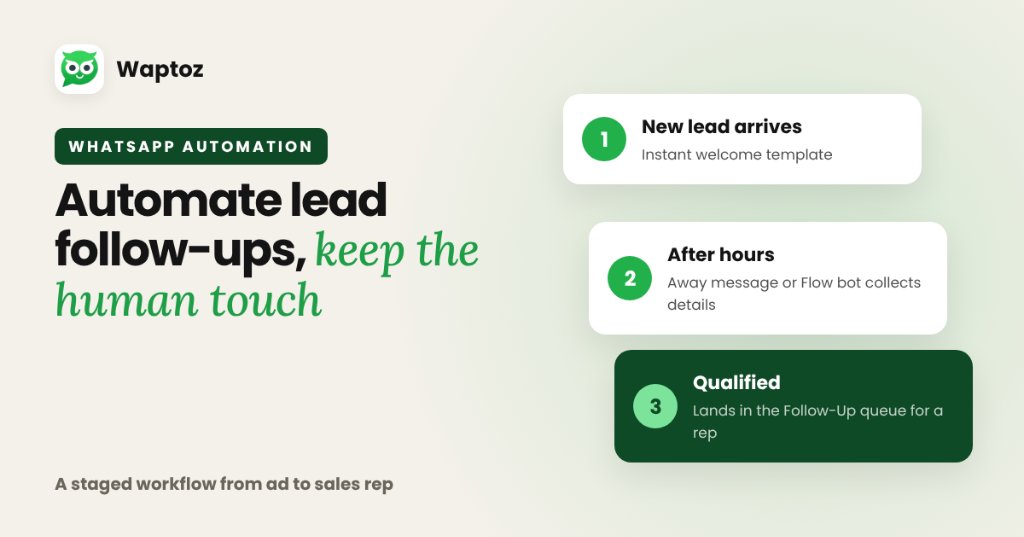
Automating WhatsApp lead follow-ups works best as a staged workflow: send an immediate welcome template when a lead arrives from ads or portals, use Away Messages or a Flow bot to gather initial preferences outside working hours, and route qualified threads into a CRM Follow-Up queue so sales agents step in smoothly.