How to Automate WhatsApp Lead Follow-Ups Without Losing Human Context
Quick Answer
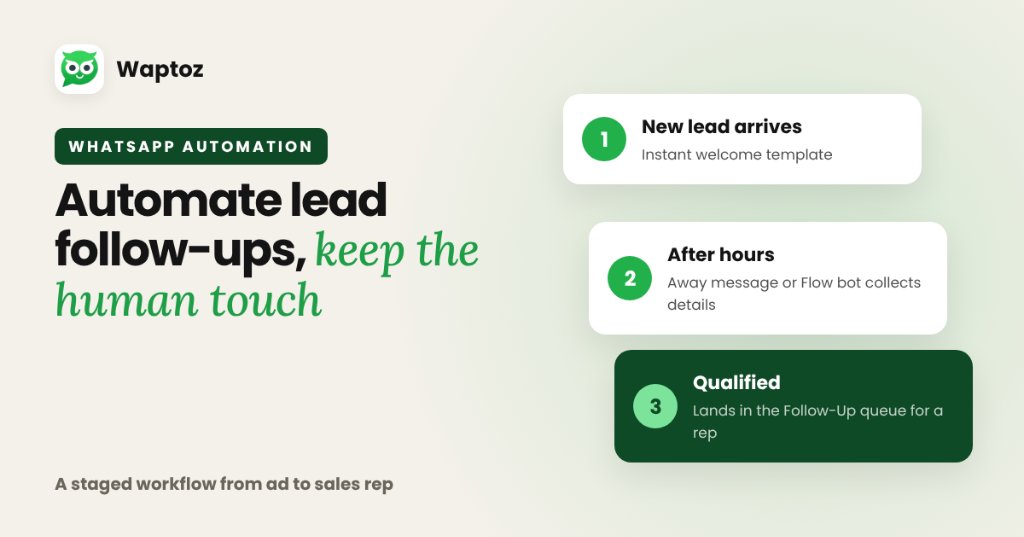
Automating WhatsApp lead follow-ups works best as a staged workflow: send an immediate welcome template when a lead arrives from ads or portals, use Away Messages or a Flow bot to gather initial preferences outside working hours, and route qualified threads into a CRM Follow-Up queue so sales agents step in smoothly.
Why Manual Lead Follow-Up Fails High-Intent Inquiries#
Leads submitted via Meta Lead Ads, Google Search Lead Forms, or IndiaMART lose intent quickly when sales teams wait hours to download CSV sheets. Automating the first 60 seconds guarantees immediate engagement while preserving rep time for genuine closing conversations.
Five Practical Stages to Automate Safely#
Structure follow-up automation around Meta's 24-hour customer care window and template policies:
- Stage 1 (Instant Trigger): Capture ad/form webhook payload into Waptoz CRM and send a pre-approved welcome template confirming inquiry receipt.
- Stage 2 (After-Hours Coverage): Enable Away Message Automation so late-night messages still acknowledge the buyer with expected callback times.
- Stage 3 (Lightweight Qualification): Use Flow Bot button prompts to capture city, product category, or preferred demo slot.
- Stage 4 (Agent Ownership): Trigger lead auto-assignment rules and log a Follow-Up task or scheduled Demo inside CRM.
- Stage 5 (Scheduled Nudge): For stalled leads beyond 24 hours, send a helpful approved follow-up template instead of spammy repeated pings.
Practical Example: IndiaMART + Google Ads Inquiry Routing#
A B2B supplier receives 40 daily inquiries across IndiaMART and Google Lead Form Extensions.
- IndiaMART and Google Lead Form webhooks feed directly into Waptoz Lead Management.
- Waptoz auto-assigns incoming leads round-robin/rule-based to sales reps and applies channel tags.
- An immediate Utility/Marketing template shares product specs and offers a 'Book Call' quick reply.
- Agents work the structured Follow-Ups queue inside Waptoz CRM instead of chasing spreadsheets.
Limitations and Best Practices#
- Sending excessive uninvited follow-up blasts after 24 hours increases user blocks — keep follow-ups relevant and sparse.
- Always allow a prospect inside an automated flow to reach a live agent inside the Team Inbox.
Frequently Asked Questions#
Yes. Waptoz supports Away Message Automation so inbound customer messages outside office hours receive immediate acknowledgement.
Waptoz supports Meta Lead Ads (native), Google Lead Form Extensions (webhook), IndiaMART B2B Leads (webhook), WhatsApp link leads, and Generic Webhooks.
Primary References & Official Documentation#
- Meta for Developers: Meta WhatsApp Cloud API Messaging Windows
- Waptoz Blog: The WhatsApp 24-Hour Window Explained
Explore Waptoz WhatsApp Automation
Combine away replies, webhook lead triggers, scheduled drips, and auto-assignment.
Continue Reading
WhatsApp Chatbot vs Human Support: When to Automate and When to Hand Off
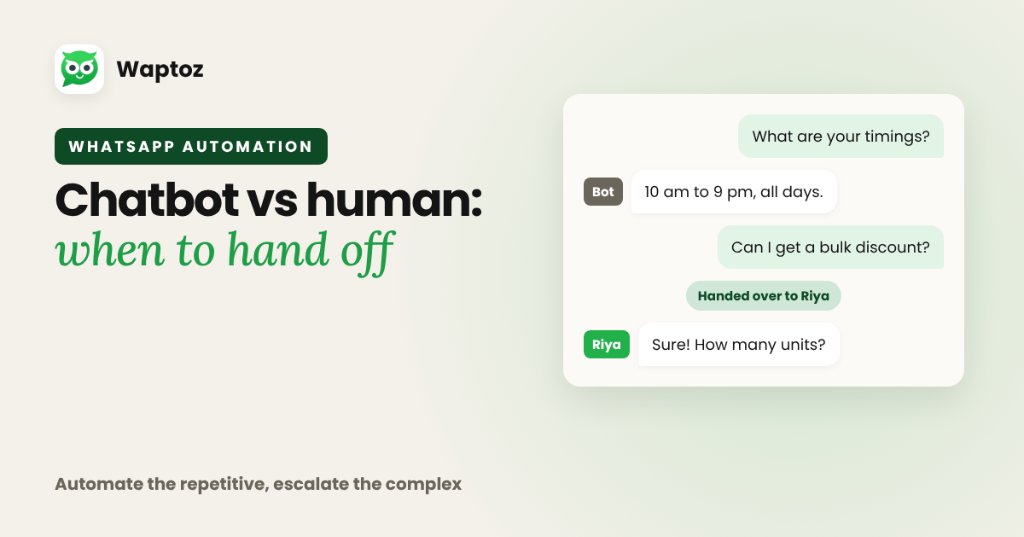
The highest-performing support teams do not treat chatbots and humans as an either-or choice. Use a no-code WhatsApp Flow bot (and Knowledge Base FAQs) to handle instant 24/7 greetings, repetitive pricing/status questions, and intake routing — then hand off complex objections, billing disputes, or high-value negotiations to human agents in a shared Team Inbox.
How to Assign WhatsApp Leads to Sales Agents Using Clear Routing Rules
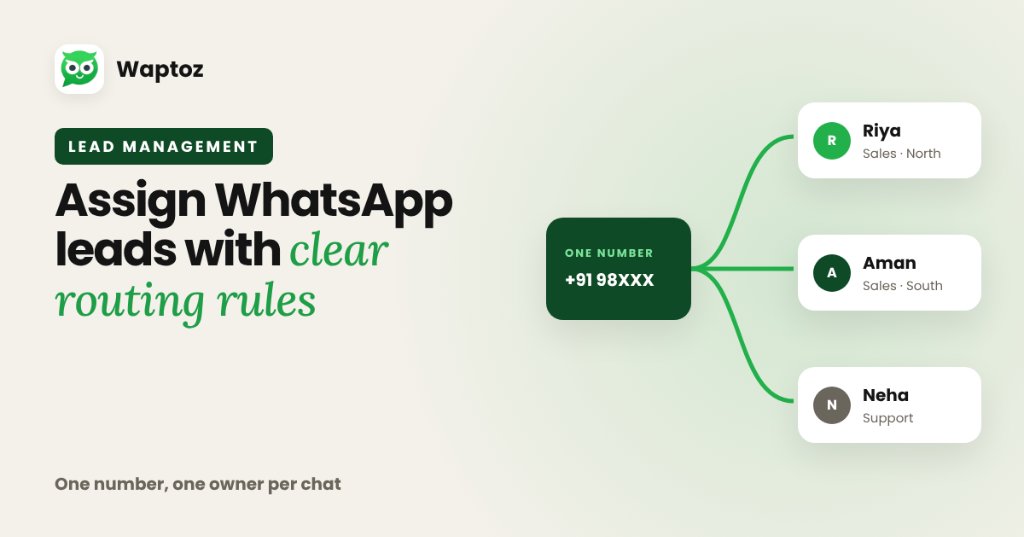
To assign WhatsApp leads cleanly without two reps replying to the same buyer, route one official WhatsApp Business API number into a shared multi-agent Team Inbox and pair it with CRM lead assignment rules. Incoming inquiries receive an explicit owner automatically or by manager dispatch, preserving full accountability and chat history.
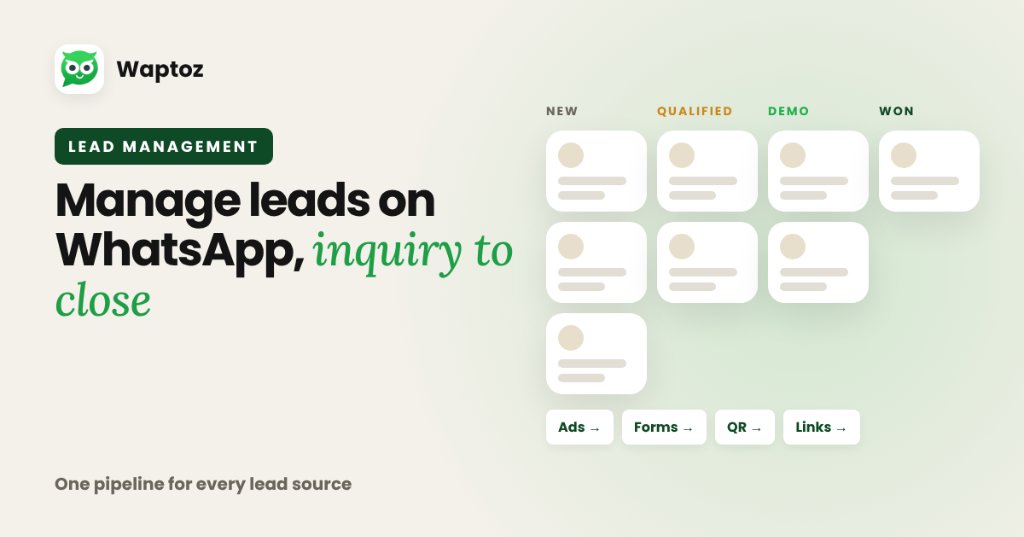
How to Manage Business Leads on WhatsApp From Inquiry to Close
Managing leads effectively on WhatsApp requires centralizing every acquisition channel into a single CRM pipeline: ingest leads automatically from ads, forms, and click links, apply structured tags and custom attributes, assign owners cleanly, track follow-ups and demo dates inside the CRM, and connect every update to live chat history.