WhatsApp Chatbot vs Human Support: When to Automate and When to Hand Off
Quick Answer
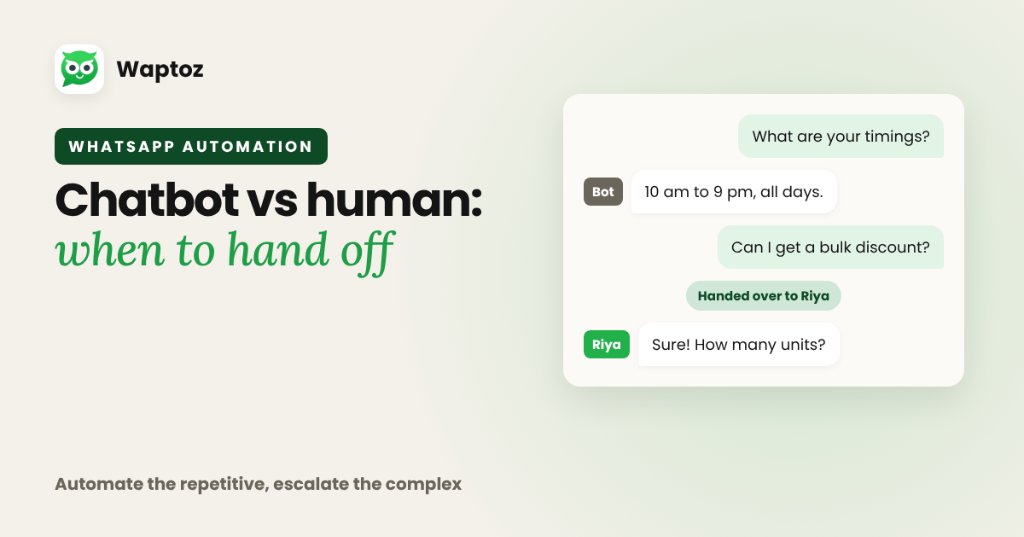
The highest-performing support teams do not treat chatbots and humans as an either-or choice. Use a no-code WhatsApp Flow bot (and Knowledge Base FAQs) to handle instant 24/7 greetings, repetitive pricing/status questions, and intake routing — then hand off complex objections, billing disputes, or high-value negotiations to human agents in a shared Team Inbox.
Where WhatsApp Chatbots Save Real Time#
Structured Flow Bots excel at predictable, repeatable interactions that bog down support staff every day: sharing brochures, collecting city/budget/course choices, checking basic FAQ entries from a Knowledge Base, and capturing callback slots outside business hours.
Where Human Agents Must Stay in Charge#
Buyers evaluating high-ticket purchases (real estate properties, annual SaaS plans, bespoke agency retainers) or reporting urgent order/refund issues lose trust if trapped inside a looping bot.
With Waptoz's Flow Chatbot + Team Inbox pairing, agents inspect the full conversation transcript collected by the bot, utilize pre-saved quick replies or AI-assisted suggested drafts where enabled, and resolve conversations personally.
Decision Matrix: Flow Chatbot vs Live Human Agent#
| Task Type | Best Handler | Why |
|---|---|---|
| 24/7 initial greeting & menu intake | Flow Chatbot | Instant zero-wait routing any time of day |
| Standard FAQs (timings, brochure PDF, location) | Flow Bot + Knowledge Base | Eliminates repetitive agent typing |
| Price negotiation & complex B2B scoping | Human Sales Agent | Requires nuance, trust, and custom quotations |
| Refund exceptions / escalated complaints | Human Support Agent | Empathy and judgment protect customer retention |
Practical Example: Flow Intake Into Shared Inbox#
A clinic or real estate team receives 200 inbound WhatsApp inquiries weekly with mixed buying timelines.
- Flow Bot greets the visitor and offers three buttons: Pricing, Book Visit/Demo, or Speak to Support.
- Pricing selection shares a PDF brochure + Knowledge Base FAQ summary instantly.
- Book Visit collects preferred date & location attributes and tags the contact.
- Speak to Support routes the thread directly into the Team Inbox for live agent assignment.
Limitations and Risk Controls#
- Per Waptoz Terms of Service, AI-assisted outputs may not always be accurate — human review matters for legal, financial, or medical precision.
- In Waptoz pricing models, the Flow Chatbot is an optional add-on (₹590/month excl. GST in the calculator), and optional AI reply wallet usage carries per-turn charges.
Frequently Asked Questions#
Yes. Conversations managed by Flow bots remain visible in the Waptoz shared Team Inbox so agents can review prior answers and take over seamlessly.
No. Flow Bot workflows work independently using structured buttons, templates, and routing rules; optional AI replies and Knowledge Base tools can be added if needed.
Primary References & Official Documentation#
- Meta for Developers: WhatsApp Business Platform Conversation Design
Explore Waptoz Chatbot & Shared Team Inbox
Combine no-code Flow bots and Knowledge Base context with instant human escalation.

Continue Reading
How to Automate WhatsApp Lead Follow-Ups Without Losing Human Context
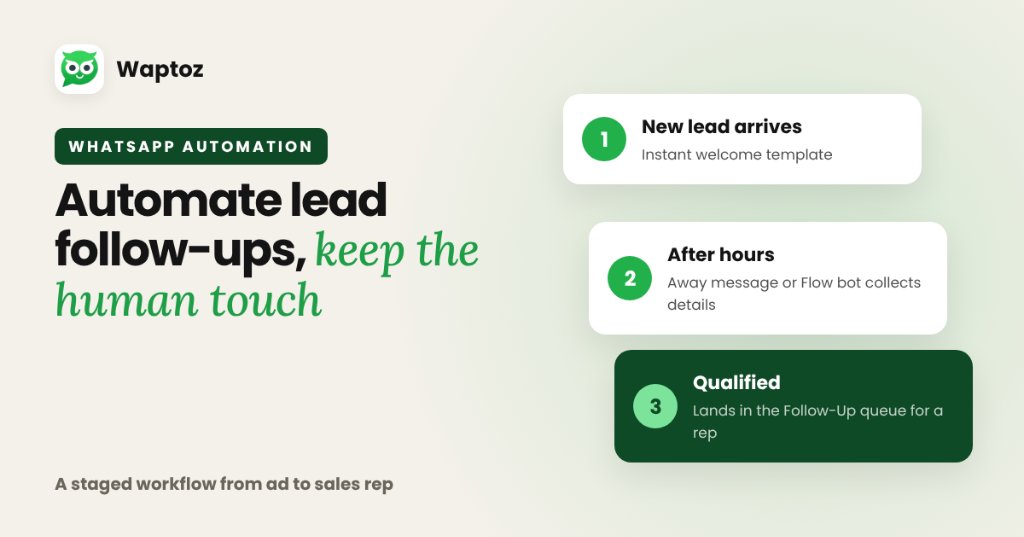
Automating WhatsApp lead follow-ups works best as a staged workflow: send an immediate welcome template when a lead arrives from ads or portals, use Away Messages or a Flow bot to gather initial preferences outside working hours, and route qualified threads into a CRM Follow-Up queue so sales agents step in smoothly.
How to Assign WhatsApp Leads to Sales Agents Using Clear Routing Rules
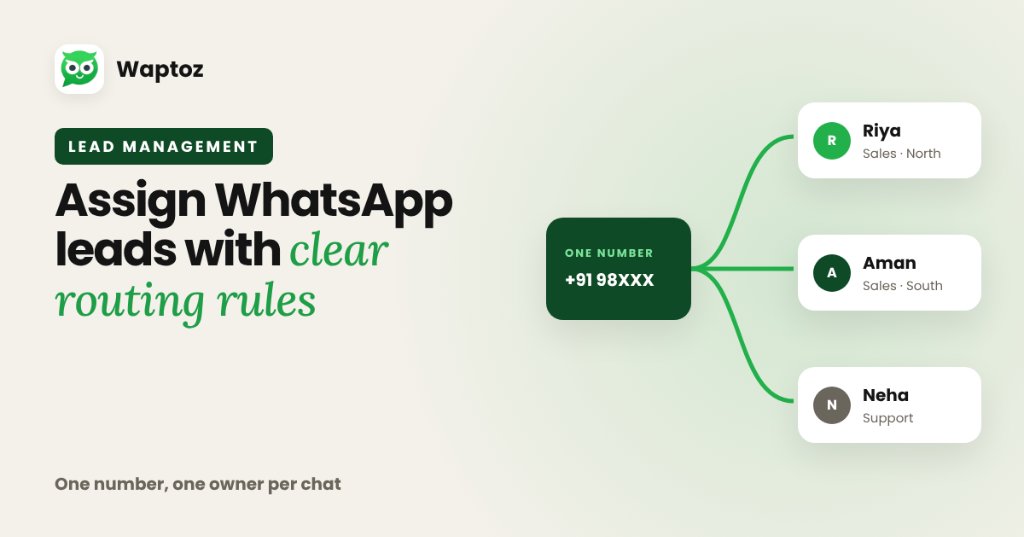
To assign WhatsApp leads cleanly without two reps replying to the same buyer, route one official WhatsApp Business API number into a shared multi-agent Team Inbox and pair it with CRM lead assignment rules. Incoming inquiries receive an explicit owner automatically or by manager dispatch, preserving full accountability and chat history.
WhatsApp CRM vs Traditional CRM: Key Differences for Sales & Support
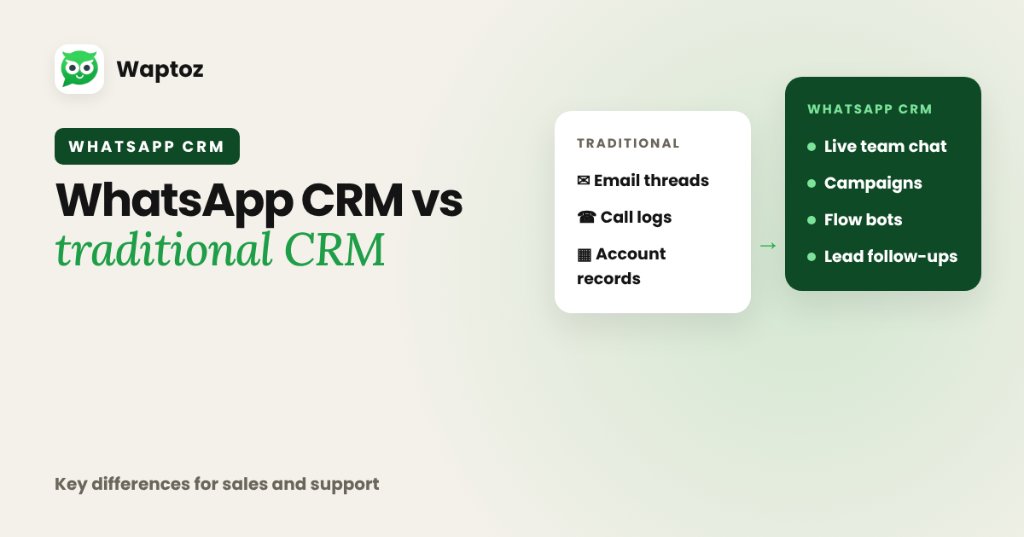
Traditional CRMs are built primarily around email threads, phone call logs, and multi-stage B2B account databases, treating messaging as an optional add-on. A WhatsApp CRM treats real-time official WhatsApp Cloud API conversations as the primary interface — unifying live multi-agent chat, approved broadcast campaigns, Flow bots, and lead follow-ups in one place.