WhatsApp Campaign Analytics in Waptoz: Track Sent, Delivered, Read and Failed
See exactly how your WhatsApp campaign performed in Waptoz: delivery and read counts, message logs per contact, retargeting, recurring schedules and pause.
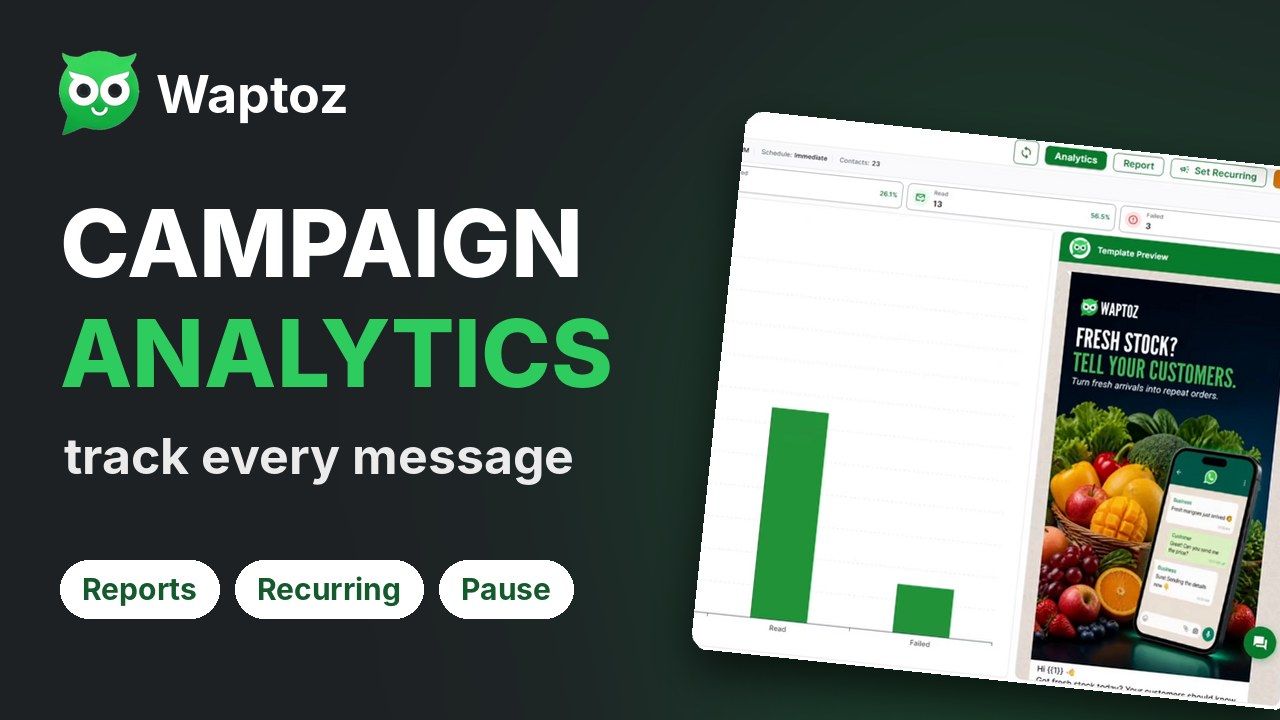
Sending a campaign is half the job. The other half is knowing what happened: how many people got it, how many read it, and who didn't receive it at all. Waptoz's Campaign Analytics page answers all of that, and lets you act on it straight away.
[Embed video:
Prefer Hindi? Watch this video in Hindi.
Open a campaign's analytics
Go to the Campaign List and click any campaign. At the top you'll see its details: type, template, schedule, and how many contacts it went to.
Read the four numbers
| Card | What it means |
|---|---|
| Sent | Waptoz handed the message to WhatsApp |
| Delivered | The message reached the customer's phone |
| Read | The customer opened it (blue ticks) |
| Failed | It couldn't be delivered, for example an invalid or inactive number |
Hover over the chart to see the exact count for each status.
See results for every contact
Click Report to open the Failed & Message Logs. Every contact is listed with the status of their message. Click any card to filter the list: Delivered shows only the people who got it, and Read shows only those who opened it.
Retarget the right people
This is where analytics pays off. Tick contacts in the list and click Retarget Selected to send them a new campaign. For example:
- Contacts who read but didn't buy: send a follow-up offer.
- Contacts whose message was delivered but not read: try again at a different time.
- Failed contacts: check their numbers before sending again.
Repeat or pause a campaign
- Set Recurring: choose daily, weekly, monthly or custom, pick the day and time, and click Save. Good for weekly offers that don't need a new setup each time.
- Pause: stops a running campaign straight away, for example if you spot a mistake in the message.
Next: How to connect Shopify to Waptoz →
Questions or want a demo? WhatsApp us on +91 94122 28864.
Ready to Automate WhatsApp for Your Business?
Shared inbox, official Meta Cloud API campaigns, and AI workflows — with 0% markup on Meta rates.
Book a Free DemoMore from the World of Waptoz
What Is Waptoz? The WhatsApp Business Platform for Growing Brands
Waptoz is a WhatsApp Business CRM built on Meta's official Cloud API: shared inbox, broadcasts, chatbots, AI replies, Shopify automation and Click-to-WhatsApp ads.
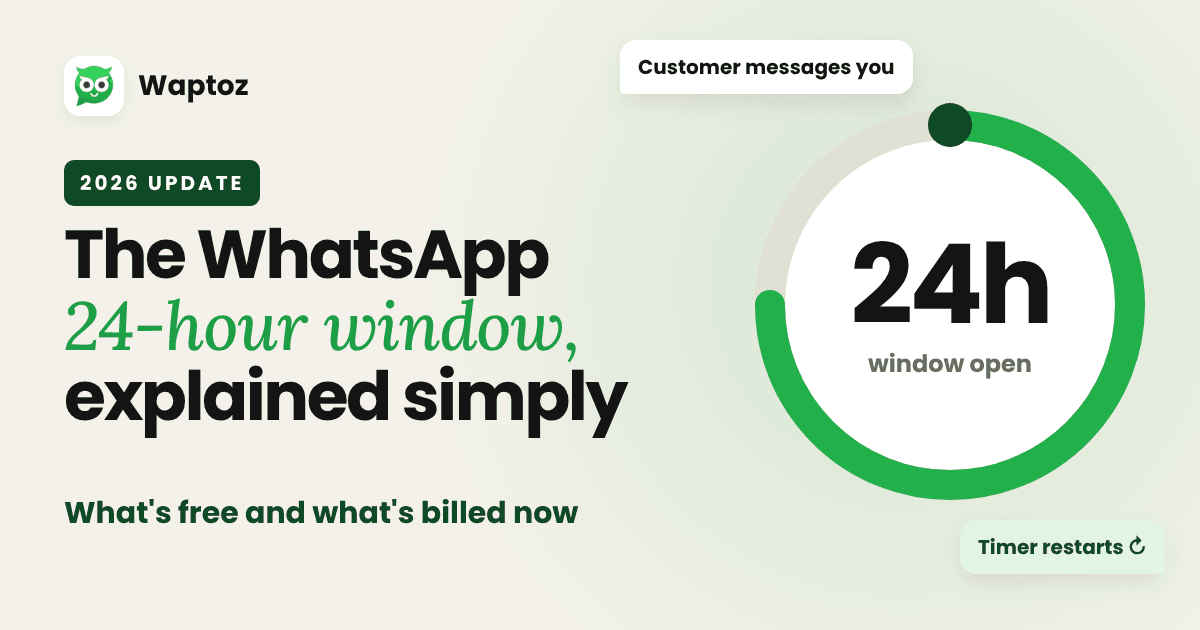
The WhatsApp 24-hour window, explained simply (2026 update)
How the WhatsApp 24-hour customer service window works, what is free and what is billed after Meta's 1 October 2026 pricing change, and how to keep costs predictable.
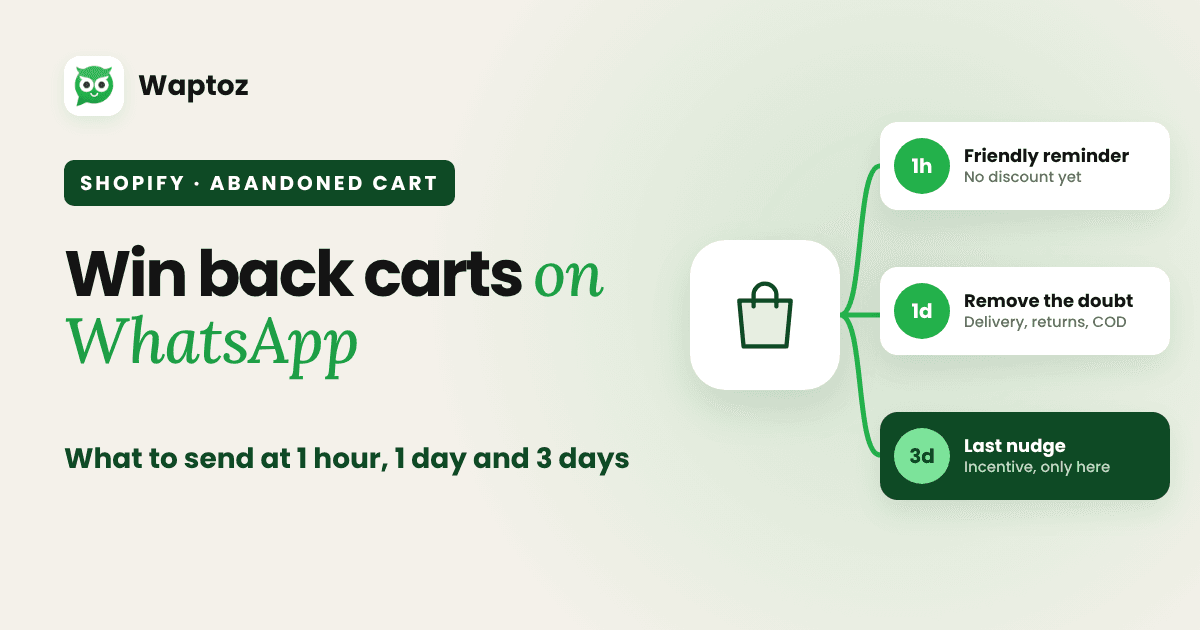
Shopify abandoned cart on WhatsApp: what to send at 1 hour, 1 day and 3 days
A 3-message WhatsApp abandoned cart sequence for Shopify stores: what to send at 1 hour, 1 day and 3 days, with example copy and the rules to follow.