How to Create WhatsApp Templates with AI in Waptoz
Write WhatsApp message templates in seconds with Waptoz's AI: describe what you want, refine the header, body and buttons, and submit for Meta approval.
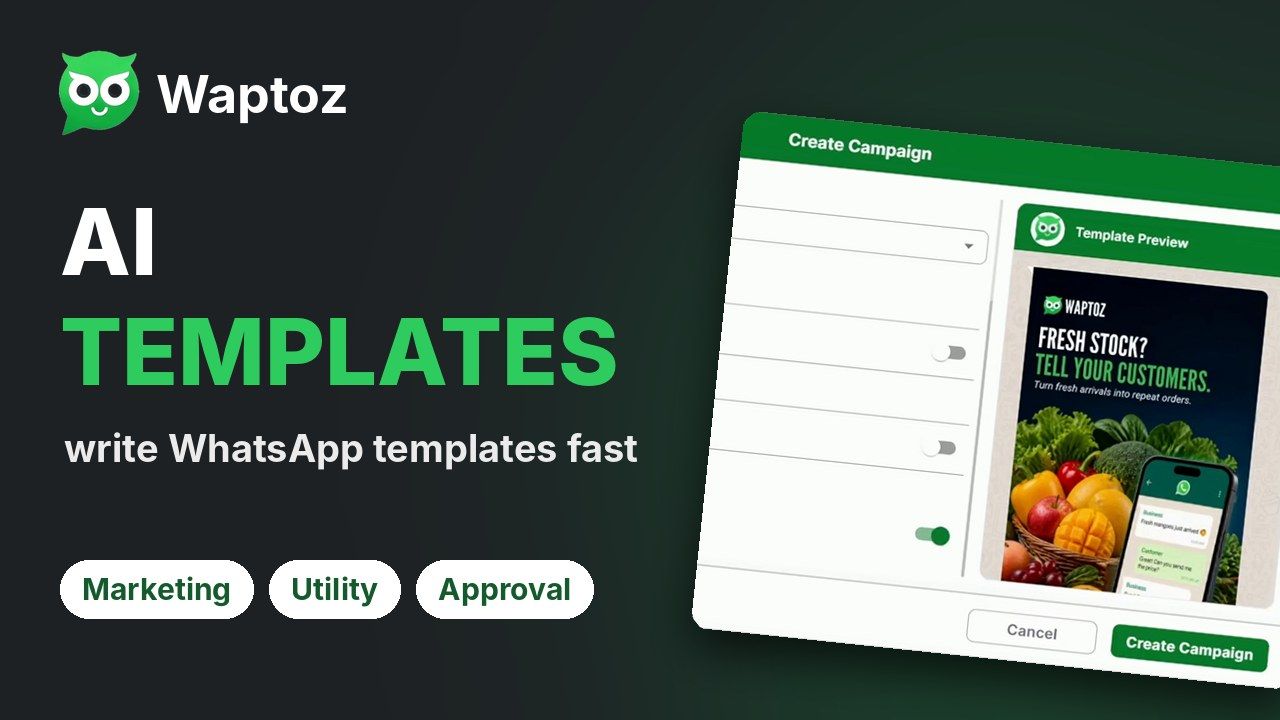
To message customers first on WhatsApp, for a broadcast, a reminder or an order update, businesses must use a template that Meta has approved. Writing templates that sound good and also pass Meta's review takes practice. Waptoz's AI does the first draft for you.
[Embed video: https://youtu.be/35VREoMOuFc]
Prefer Hindi? Watch this video in Hindi.
What is a WhatsApp template?
A template is a pre-written message, with optional variables like the customer's name or order number. Meta groups templates into three categories:
| Category | Used for | Example |
|---|---|---|
| Marketing | Offers, launches, re-engagement | "Diwali sale: 20% off this weekend" |
| Utility | Updates about something the customer did | "Your order #1234 has shipped" |
| Authentication | One-time passwords | "Your login code is 482913" |
Once a template is approved, you can use it in campaigns, chatbot flows, Shopify notifications and live chat.
Create a template with AI
- Open Templates in Waptoz and start a new template.
- Describe what you want in plain words, for example "a reminder for customers who left items in their cart, with a 10% discount code".
- The AI writes the header, body and buttons. Ask it to refine the draft, for example shorter, friendlier, or in Hindi, until it reads right.
- Add variables (like the customer's name), an image if needed, and buttons (such as "Shop now" or "Call us").
- Check the preview and submit the template to Meta for approval.
Tips to get templates approved
- Pick the right category. An offer sent as "Utility" is a common reason for rejection.
- Don't start or end the message with a variable, and give every variable a clear example value.
- Keep it clear and honest: no misleading claims, and no asking for sensitive details like card numbers.
- If a template is rejected, read the reason, ask the AI to adjust the wording, and resubmit.
That's the full series
You've now seen every core part of Waptoz: contacts, campaigns, analytics, Shopify, Click-to-WhatsApp ads, chatbots, AI replies and templates. Together they let a small team run WhatsApp like a large one.
Start again from the top: What is Waptoz? →
Questions or want a demo? WhatsApp us on +91 94122 28864.
Ready to Automate WhatsApp for Your Business?
Shared inbox, official Meta Cloud API campaigns, and AI workflows — with 0% markup on Meta rates.
Book a Free DemoMore from the World of Waptoz
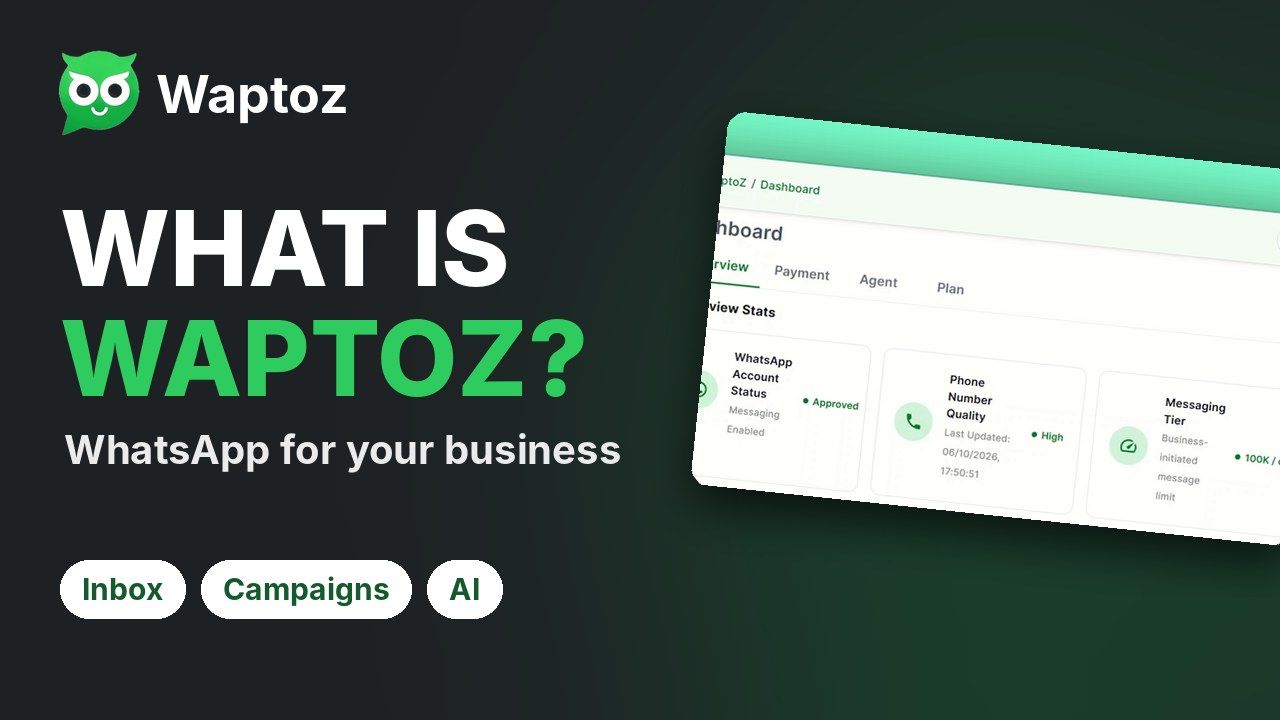
What Is Waptoz? The WhatsApp Business Platform for Growing Brands
Waptoz is a WhatsApp Business CRM built on Meta's official Cloud API: shared inbox, broadcasts, chatbots, AI replies, Shopify automation and Click-to-WhatsApp ads.
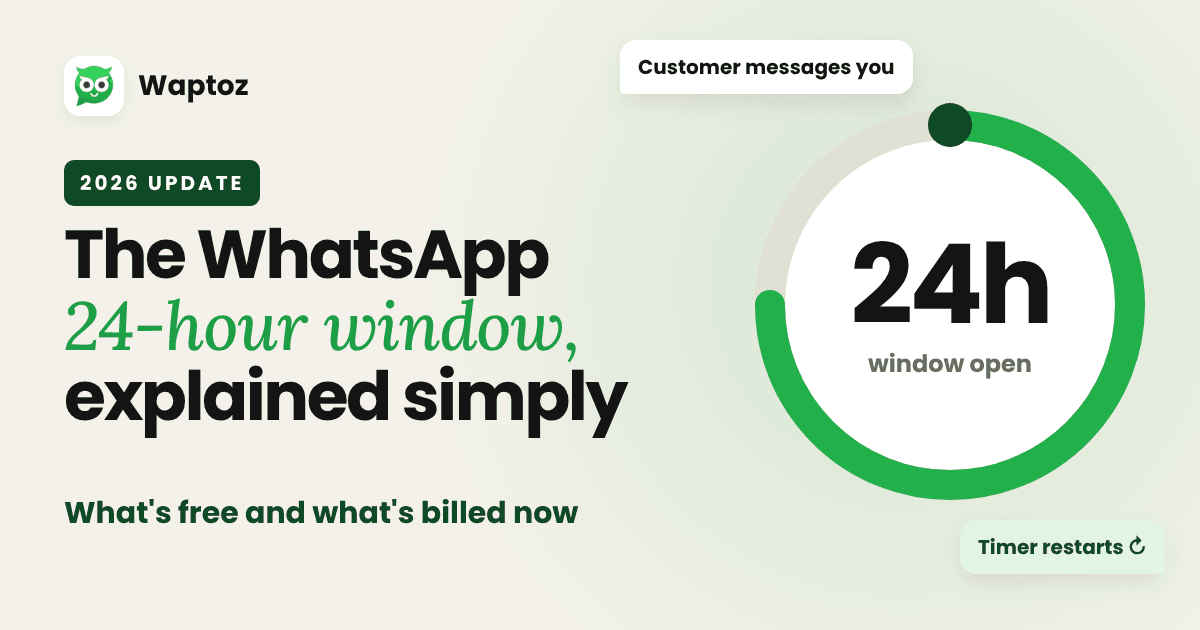
The WhatsApp 24-hour window, explained simply (2026 update)
How the WhatsApp 24-hour customer service window works, what is free and what is billed after Meta's 1 October 2026 pricing change, and how to keep costs predictable.
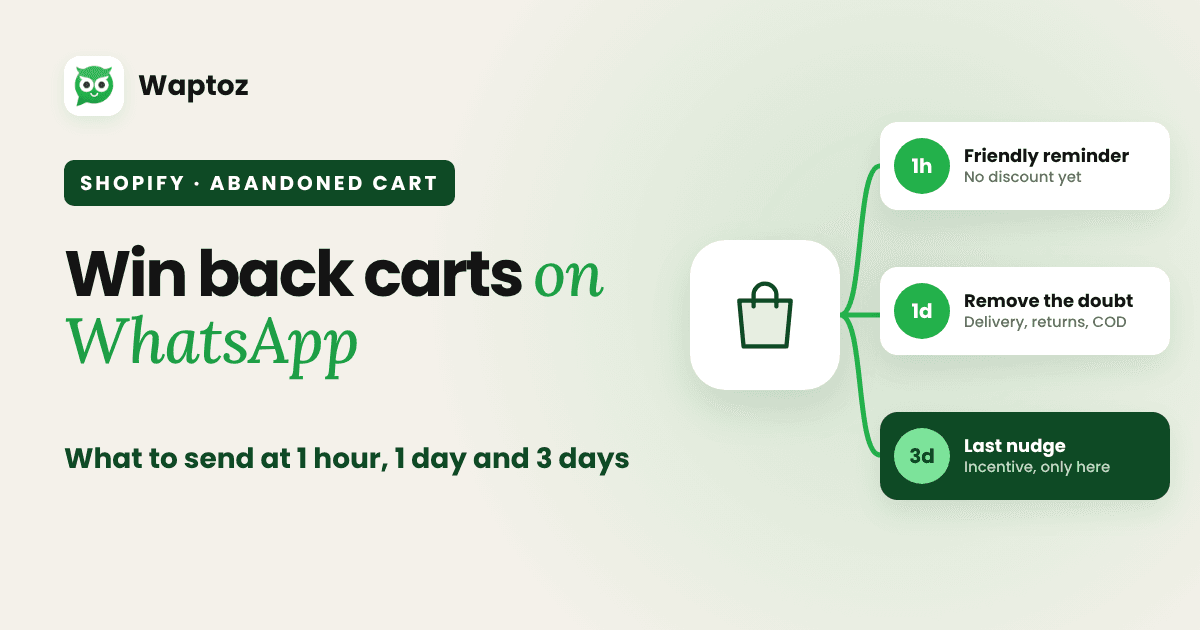
Shopify abandoned cart on WhatsApp: what to send at 1 hour, 1 day and 3 days
A 3-message WhatsApp abandoned cart sequence for Shopify stores: what to send at 1 hour, 1 day and 3 days, with example copy and the rules to follow.